
MediaTek Universal Tool – Download & Features

| File Name | MediaTek Universal Tool |
|---|---|
| Size | 56 MB |
| Version | v5 |
| Support Device | Xiaomi/Redmi, Oppo, Vivo, Samsung, Realme, Huawei, Lenovo, Alcatel, Acer |
Overview of MediaTek Universal Tool Download
A collection of tools designed to assist consumers in managing their MediaTek devices is called MediaTek Universal Tool. These tools are incredibly versatile and can perform a wide range of tasks, such as telnetting, flashing new firmware versions, and freeing up space on your device. These are essential for people who wish to get the most out of their gadget.
Features
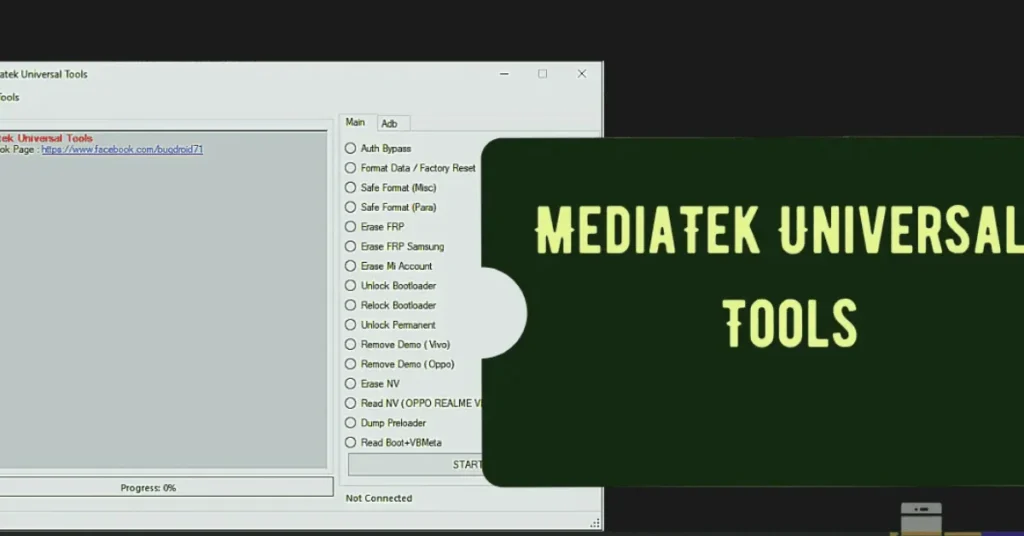
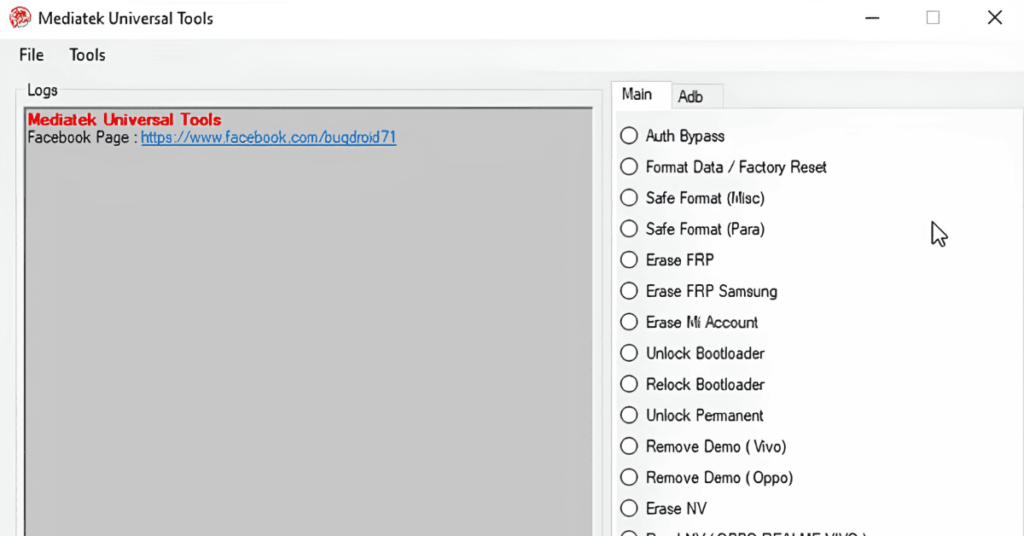
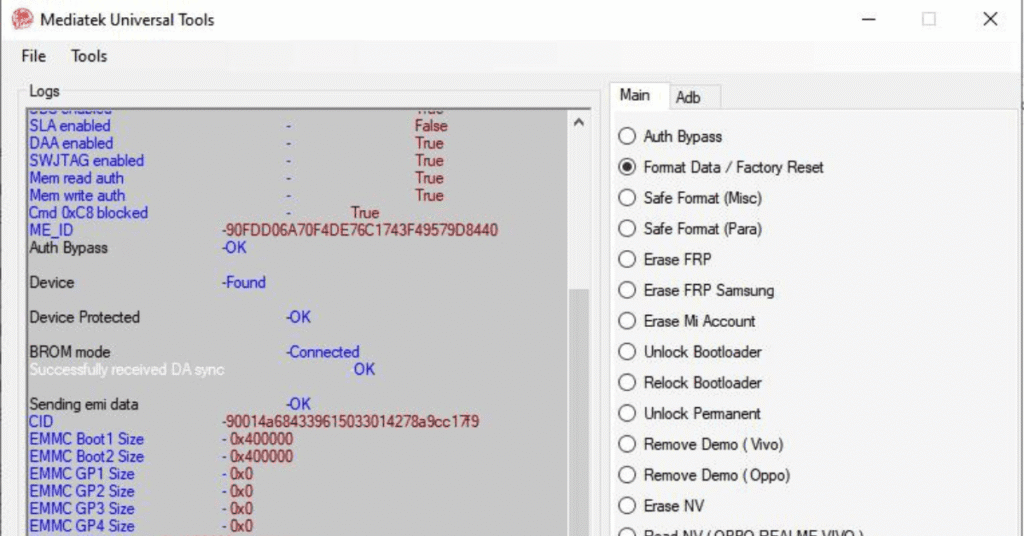
- Auth Bypass to override security restrictions.
- Format Data / Safe Format (MISC & PARA) to reset device without heavy data loss.
- Erase FRP (All MTK & Samsung) to clear Factory Reset Protection on multiple devices.
- Mi Account Temp Bypass (temporary, resets on internet)
- Bootloader Unlock & Relock, and Permanent Unlock supported.
- Compatible with Windows 7, 8, 10, and 11 on both x86 and x64 platforms.
- Completely free to use, no activation or license required.
Screenshots
System Requirements
| Operating System | Windows 7, 8, 10, or 11 (32-bit or 64-bit). |
|---|---|
| RAM | Intel Core i3 |
| Processor | GB minimum |
| Storage | 500 MB |
| .NET Framework | .NET Framework 4.5 |
| USB Driver | USB 2.0 , Proper MediaTek USB VCOM and Preloader drivers installed |
FAQs
Only download from the official website or trusted forums. Before you install, verify the files.
Extraction Tool: WinRAR or 7-Zip Read the installation guide from tools of their site.
Try software, device compatibility updating and scan for missing drivers. If problems continue, removing and reinstalling the tools periodically or looking to community forums may provide a solution.
True, with the risk of warranty voiding and potential security holes. Responsible in backing up your data and follow ethical standards. What are the best ways to keep my phone secure after using such tools. Keep your software up to date, use encryption and make backups. Do not use tool those are unauthorized and also follow security best practices.
It only works on Android phones with MediaTek (MTK) processors.It will not work on devices with Snapdragon, Spreadtrum (SPD), or Kirin chips.