
GSM Prime Tool Latest Version – Download & Features

| File Name | GSM Prime Tool |
|---|---|
| Size | 144 MB |
| Version | v9 |
| Support Device | Samsung, Xiaomi, Redmi, Huawei, Oppo, Vivo, Motorola, Honor, and LG |
Overview of GSM Prime Tool Download
GSM Prime Tool is a software tool for smartphone devices. It is specially designed to help users remove Google Account lock (FRP; Factory Reset Protection), Pattern Pin Password Fingerprint unlock, and perform Android 9/10/11/12/13/14 and other operations on smartphones and tablets. The GSM Prim FRP Tool is developed for Android devices which are running Android OS.
Features
- Remove Google account verification and factory reset protection on most Android devices.
- Allow to remove screen locks like PIN, pattern, and password on specific Android models.
- Fix bootloop and system issues on Android devices, as well as soft-bricked Android phone.
- Read IMEI information, device logs, system data, battery information, and application status.
- Support fixing issues on Android devices in different modes like MTP Mode, ADB Mode and more.
Screenshots
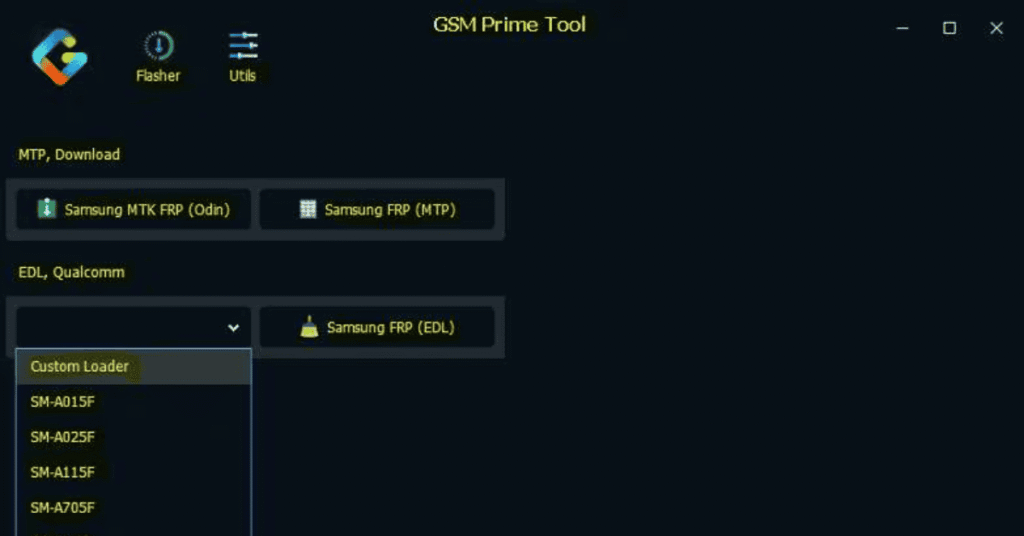
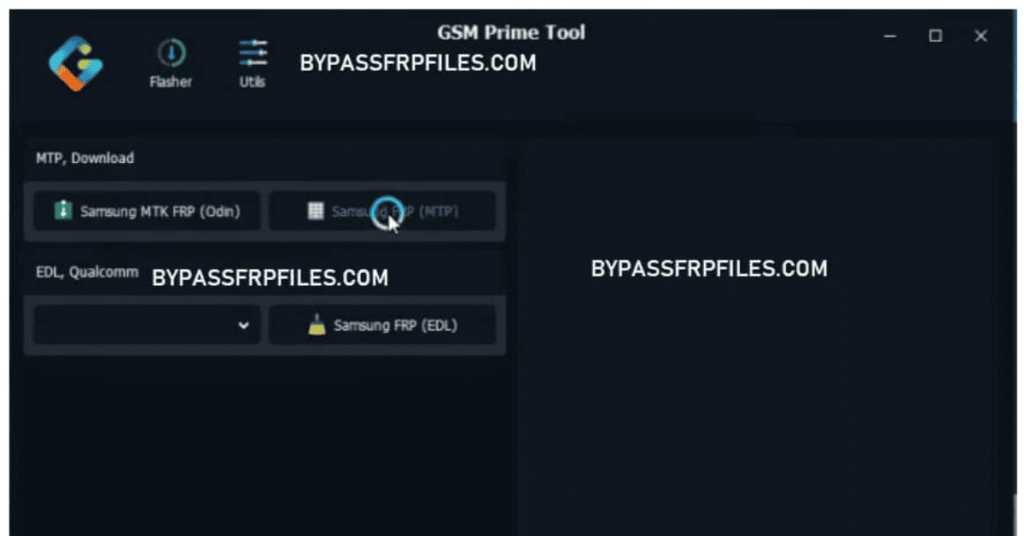
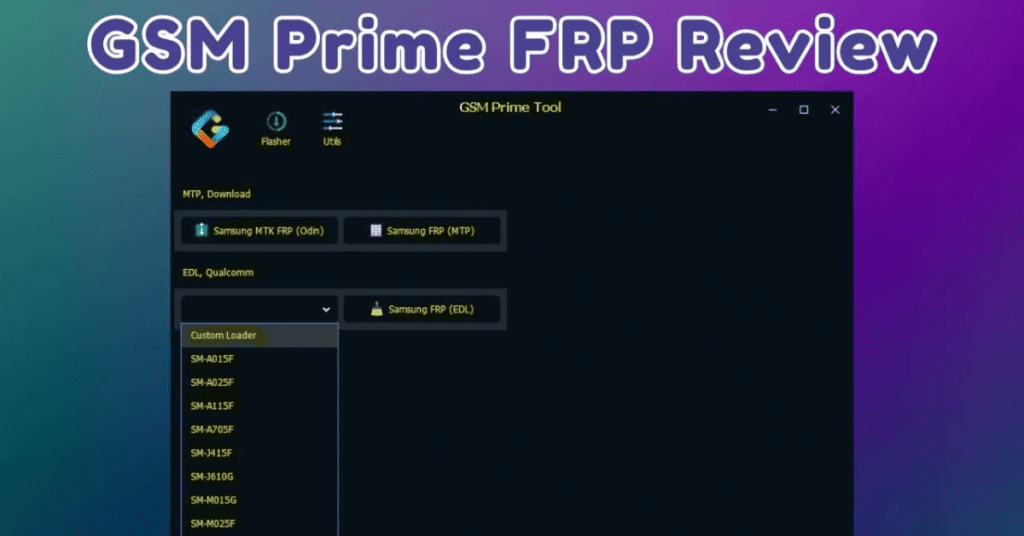
System Requirements
| Operating System | Windows 7, Windows 8, Windows 10, or Windows 11 |
|---|---|
| RAM | Minimum 2 GB RAM |
| Processor | Intel Dual Core or AMD Dual Core |
| Storage | At least 500 MB of free hard disk space |
| .NET Framework | .NET Framework 4.7.2 |
| USB Driver | Stable USB port and reliable USB data cable |
FAQs
While early legacy versions were entirely free, many newer iterations (such as the 26.x series) require an official license activation code or user login profile to unlock the full layout of advanced features and server-dependent models.
Because GSM Prime Tool contains scripts designed to inject exploits into device bootloaders and bypass native Android protection protocols, almost all security suites (including Windows Defender) flag it as a false positive.
Yes, updates like Prime ToolX v8.7 and later provide built-in modules to target Android 15 and Android 16 environments. However, its success on newer devices heavily depends on the security patch date. If a device is updated with a highly secure 2026 security patch, standard USB debugging or exploits might be blocked, requiring physical hardware connection methods instead.
To bypass FRP using Gsm Prim Frp Tool, you need to download and install the tool on your computer first. After installation, you should connect your android device to your computer with a USB cable and boot into test mode.
Gsm Prim Frp Tool is free to use on Android phones running on Android 9/10/11/12 and Android 13, especially Android 14 version. It is also compatible with OS versions of Windows 8, 10, 11 (32-bit & 64-bit) architecture.