
MTK Bypass Tool – Download Latest Version for Windows

| File Name | MTK FRP Bypass Tool |
|---|---|
| Size | 9.01 MB |
| Version | V31 |
| Support Device | Xiaomi (Redmi), Oppo, Vivo, Realme, Infinix, Tecno, Itel, Huawei |
Overview of MTK Bypass Tool Download
The MCT MTK FRP Bypass Tool is a Windows-based utility developed by Mobile Care Team (MCT) that helps to bypass Factory Reset Protection (FRP), PIN, and other Android lock screens on many Samsung devices. It does this by exploiting flaws in the FRP system, allowing users to regain access if they forget their Google account or purchase a second-hand device that hasn’t been properly wiped.
Screenshots
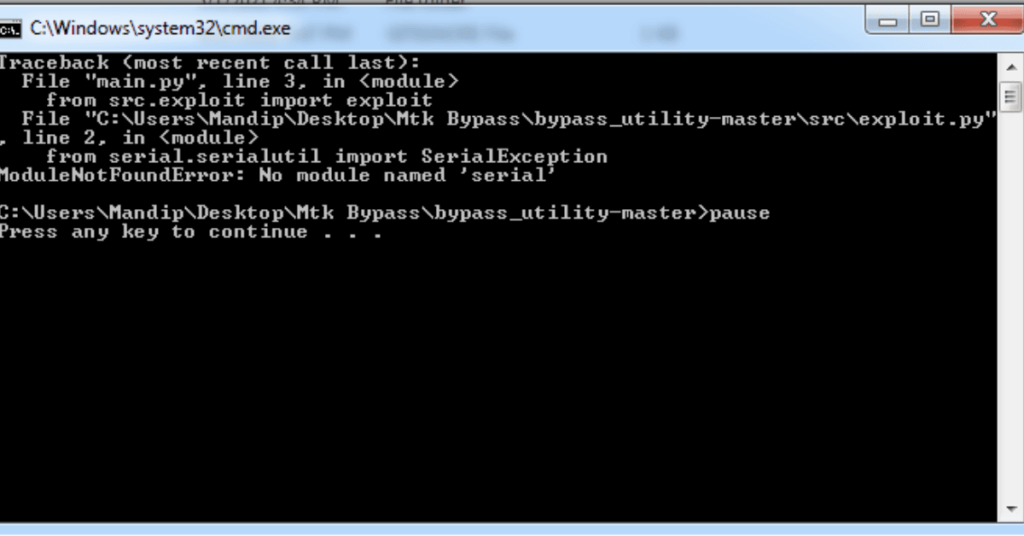
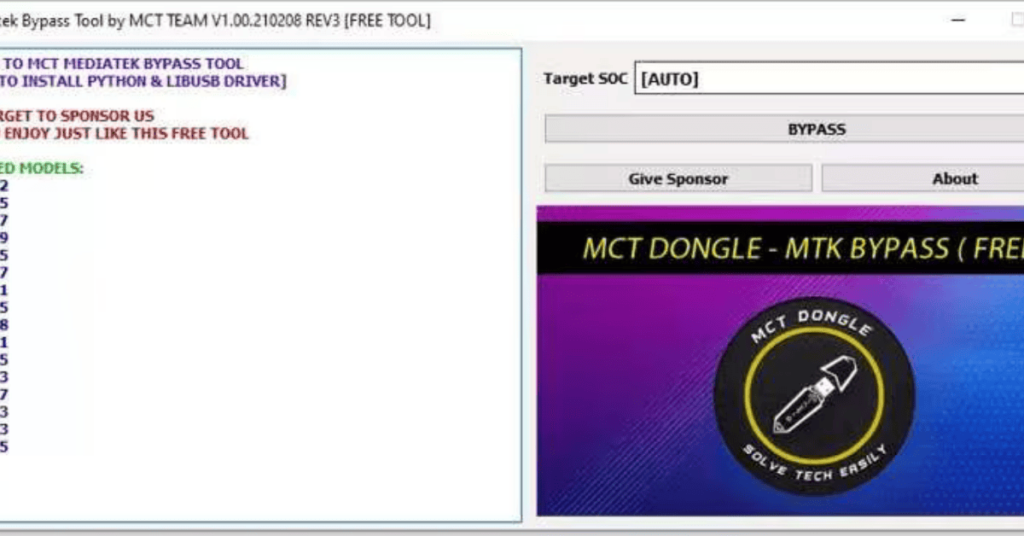
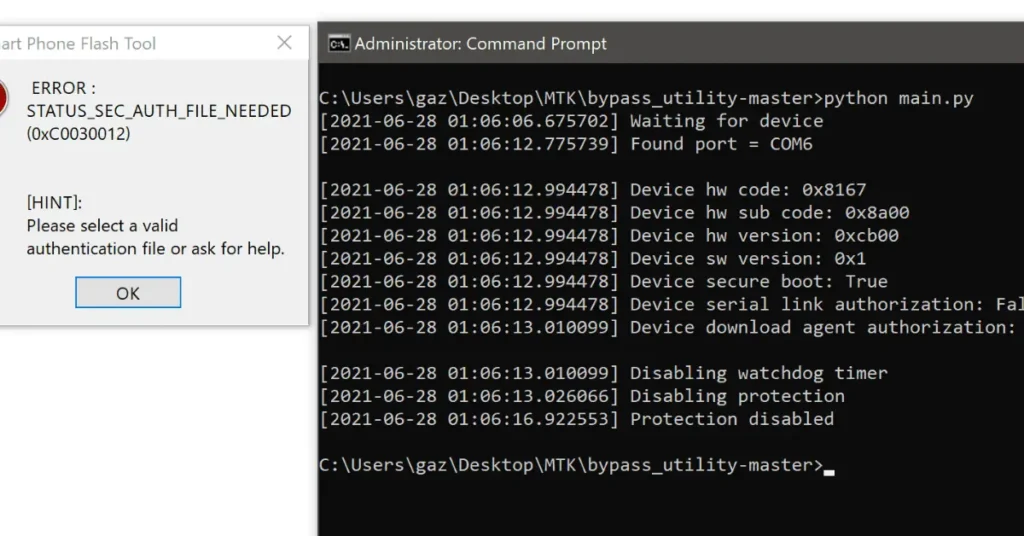
System Requirements
| Operating System | Windows 10 or Windows 11 |
|---|---|
| RAM | 2 GB minimum |
| Processor | Intel or AMD Dual-Core |
| Storage | 100 MB |
| .NET Framework | .NET Framework 4.5 |
| USB Driver | MediaTek (MTK) VCOM Driver + libusb-win32 |
FAQs
Yes. MTK Bypass Tool V1 is suitable for repair PCs when you scan the archive first. Wrong firmware or a bad cable can still brick a handset, so verify packages before writing.
Yes, MTK Bypass Tool V1 is primarily used to enable SP Flash Tool (and other MTK tools) by disabling authentication, allowing firmware flashing and other operations on protected devices.
V1 can open the path for FRP and IMEI jobs, but you still need a compatible flasher and firmware workflow afterward.
libusb-win32 drivers on your Windows computer so the PC can detect the phone in BROM mode.
The tool exploits low-level boot ROM vulnerabilities. Incorrect usage, wrong firmware files, or interrupted connections can permanently brick your device.