
Samsung Android 16 FRP Tool – Latest Version & Guide

| File Name | Samsung Android 16 FRP Tool |
|---|---|
| Size | 3.76 MB |
| Version | v16 |
| Support Device | Galaxy S Series, Galaxy A Series, Galaxy M & F Series, |
Overview of Samsung Android 16 FRP Tool Download
Users of Samsung Android 16 FRP Tool have discovered a new FRP vulnerability that is still functional with the most recent security patch. By using this technique, USB debugging can be enabled while the phone is still in FRP lock mode. By using this approach, FRP can be eliminated via MTP mode with a single click. Both earlier updates and devices running the November security patch are compatible with it. There are no complicated procedures or lights involved in this very easy method. Users who have forgotten their Google account or cellphone repair experts who deal with FRP problems on a daily basis will find this to be very beneficial. When used appropriately, the process is quick, simple, and efficient.
Features
- Specially designed to work with the latest Android 16 updates, including the November security patch.
- The tool is designed to be processed in just a few clicks, making it accessible to even those without advanced technical knowledge.
- Not Like many other methods, this tool does not require you to flash firmware or downgrade the device, no risk of bricking the phone.
- This mode utilizes MTP to automatically enable ADB (Android Debug Bridge), which is the key to unlocking the device.
- While built for Android 16, it reportedly works on older security patches as well.
Screenshots
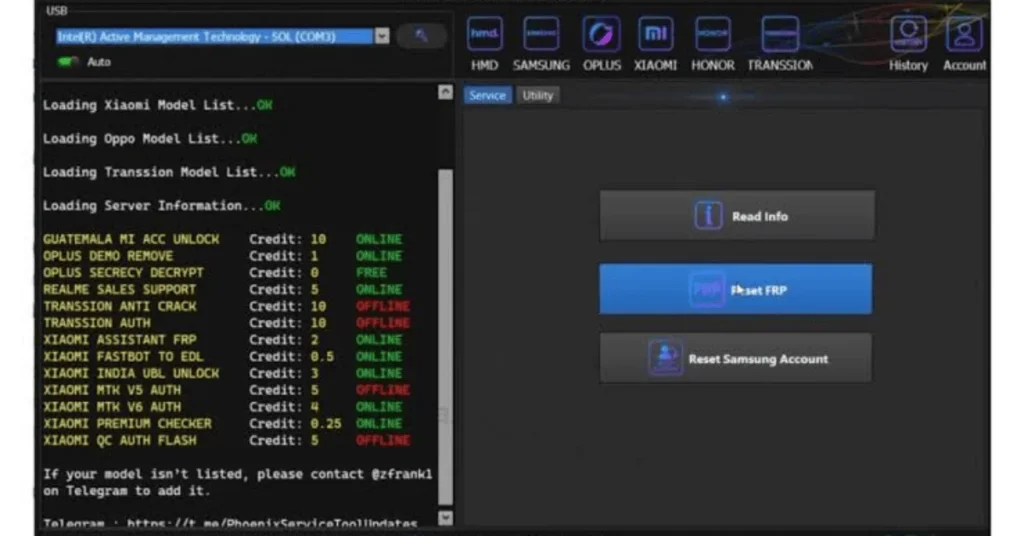
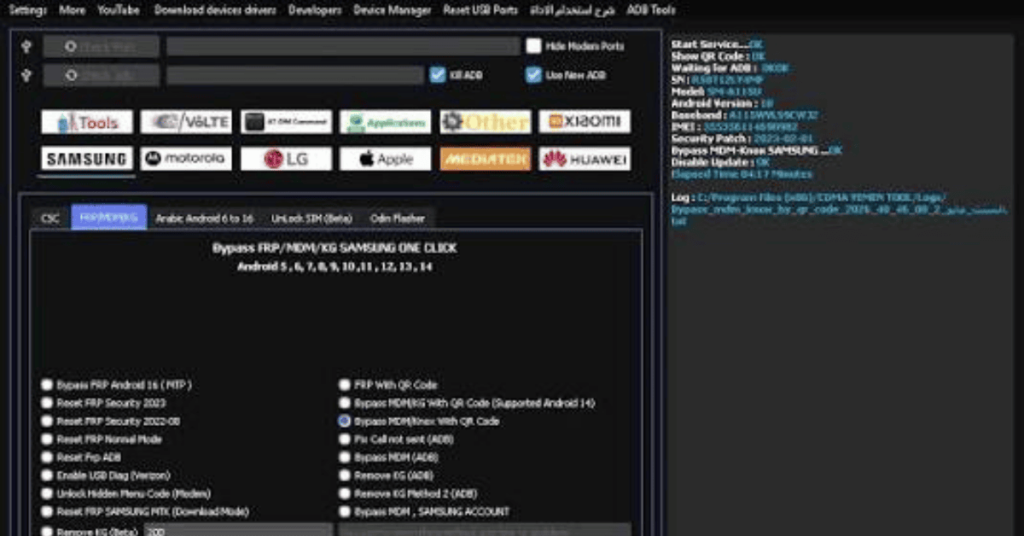
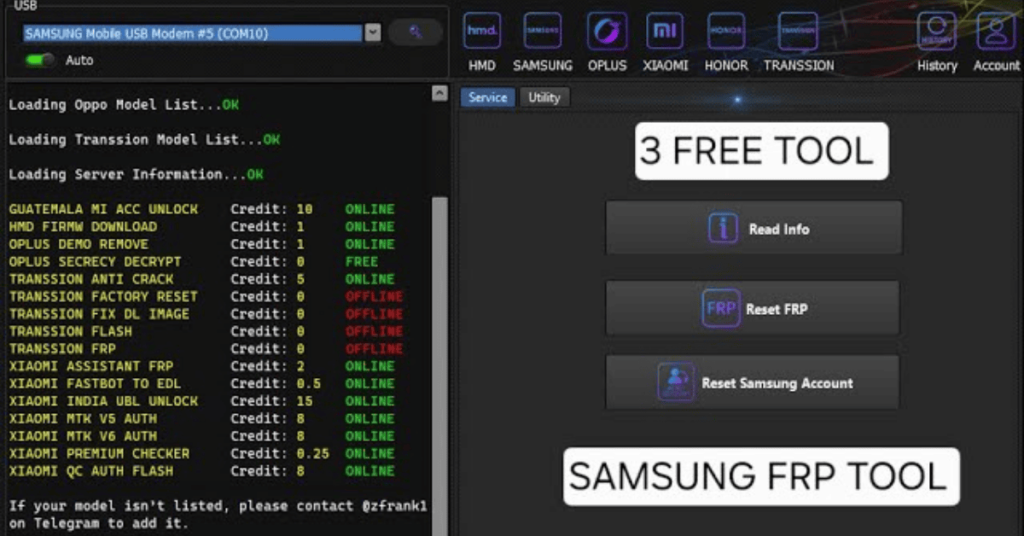
System Requirements
| Operating System | Windows 10 or Windows 11 |
|---|---|
| RAM | 4 GB minimum |
| Storage | At least 500 MB to 2 GB |
| .NET Framework | .NET Framework 4.7.2 |
| USB Driver | Samsung USB Drivers for Mobile Phones |
FAQs
Yes. It works even on November security patch.
No. Only PC needs connection.
No. This works without flashing.
Yes. If used properly, it is safe.
Yes. FRP removal may erase old data.