
TFT Unlock Tool – Download Latest Version for Windows

| File Name | TFT Unlock Tool |
|---|---|
| Size | 300 MB |
| Version | v6.2.1.1 |
| Support Device | SamsungXiaomi, Redmi,OPPO,Vivo,Realme,Tecno,Infinix,ItelMotorola,Huawei / Nokia |
Overview of TFT Unlock Tool Download
For those who repair Samsung phones, the TFT Unlock Tool is crucial. Because many mobile devices can have their software repaired with its assistance. It is currently available for your mobile device. You can use this software for free by installing it on your laptop or computer. All of TFT Tool 2026’s features are free to use.
Features
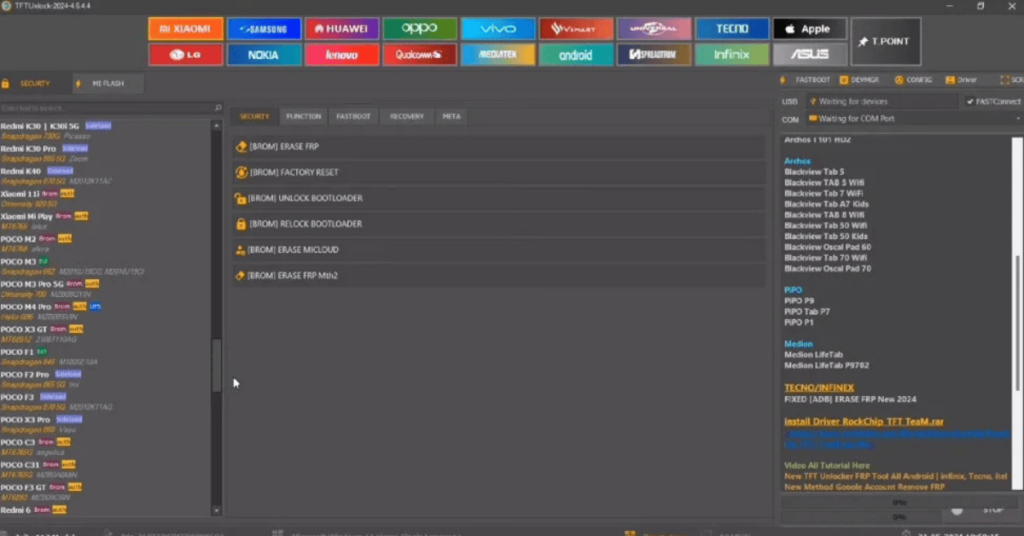
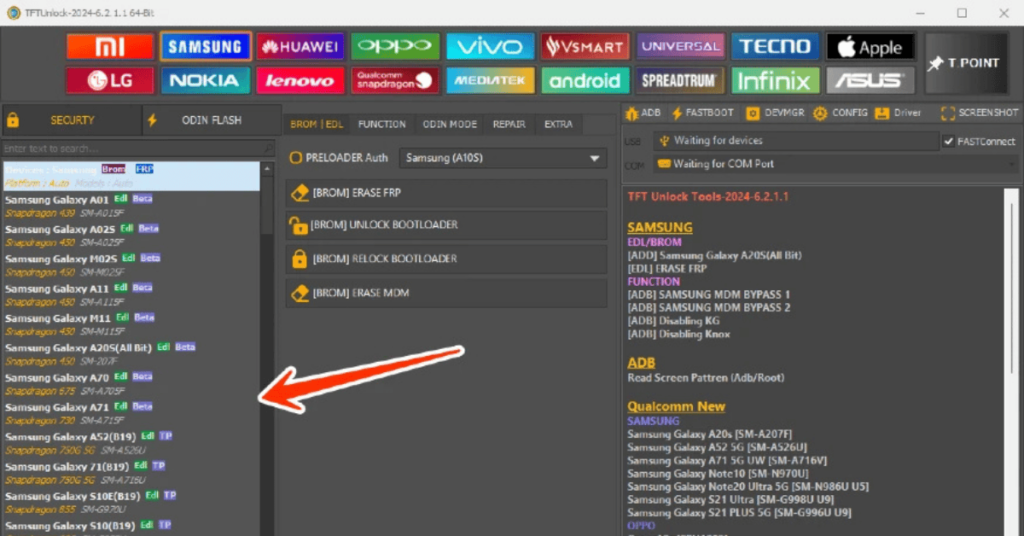
- Removes Factory Reset Protection (Google account verification) with one click on supported devices.
- Bypasses pattern, PIN, and password screen locks.
- Unlocks and relocks device bootloaders for firmware control.
- Restores or repairs corrupted IMEI numbers and network data.
- Skips security authentication for safe flashing on MediaTek (MTK) chipsets.
- Supports major Android manufacturers including Samsung, Xiaomi, Oppo, Vivo, Realme, and Huawei.
Screenshots
System Requirements
| Operating System | Windows 7, 8, 10, or 11 |
|---|---|
| RAM | At least 4GB |
| Processor | Intel or AMD CPU |
| Storage | Minimum 1GB |
| .NET Framework | .NET Framework 4.7.2 |
| USB Driver | You must install the specific driver that matches your phone's processor (CPU) chip. |
FAQs
You can download, install, and run the TFT Unlock Tool on a Windows PC to bypass locks and repair supported mobile devices.
Yes, using an unlock tool can get your account permanently banned.
Yes, the TFT Unlock Tool is free to download and use for mobile software repairs and bypassing FRP locks.
No, the popular mobile servicing software known as UnlockTool is not free to use.
You can download the TFT Tool Official Website or alternative tech blogs, but please be very careful because unofficial mobile unlock files often contain malware.