
Mi Flash Tool Download – Latest Version for Xiaomi & Redmi

| File Name | Mi Flash Tool |
|---|---|
| Size | 93.81 MB |
| Version | v7.3.706.21 |
| Support Device | Xiaomi, Redmi, and POCO smartphones and tablets |
Overview of Mi Flash Tool Download
Fastboot files, often known as stock ROM firmware, are flashed via the Xiaomi Mi Flash Tool. It is critically necessary to flash the stock firmware on Xiaomi smartphones and associated smart devices. To benefit from flashing, download the appropriate version of the Mi Flash Tool from the available direct download links. The greatest and most suggested tool for flashing stock firmware on Xiaomi tablets and smartphones is Xiaomi Flash. Users can now download every version of Mi Flash from the download page.
Features
- This primary function enables the installation of firmware or ROM packages on your Xiaomi device. It’s a versatile solution for device upgrades or software issue resolution.
- To streamline your experience, the Xiaomi Flash Tool comes with pre-installed USB drivers such as the Google ADB Driver, Microsoft MTP and RNDIS Driver, and Qualcomm USB Serial Driver, eliminating the need for manual installations.
- The Xiaomi Flash Tool offers various flashing options catering to diverse user requirements. These include ‘clean all’, ‘save user data’, and ‘clean all and lock’, granting you the flexibility to achieve your desired outcomes.
- The tool is technologically advanced and user-friendly. Its straightforward interface ensures easy use, making firmware flashing accessible even for those less technologically adept.
Screenshots
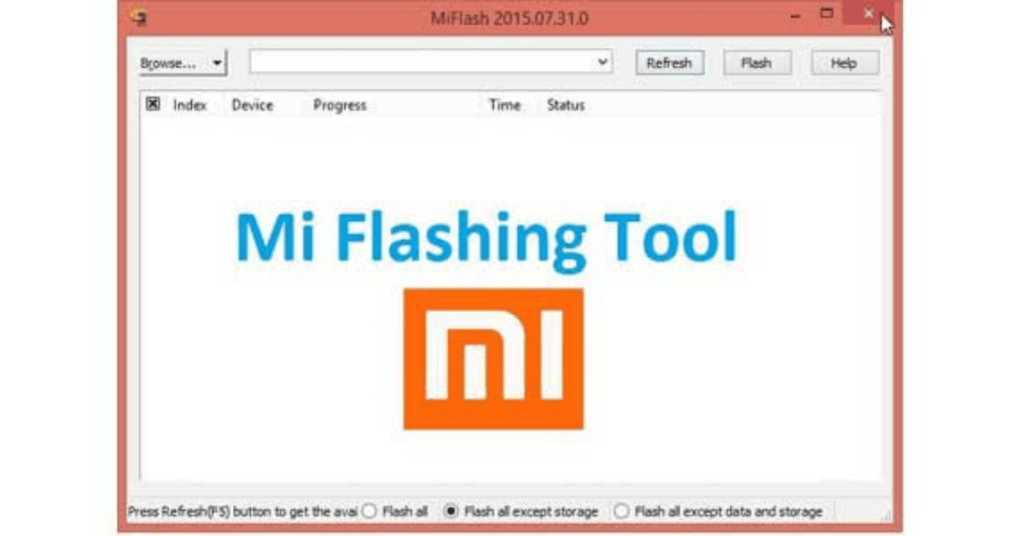
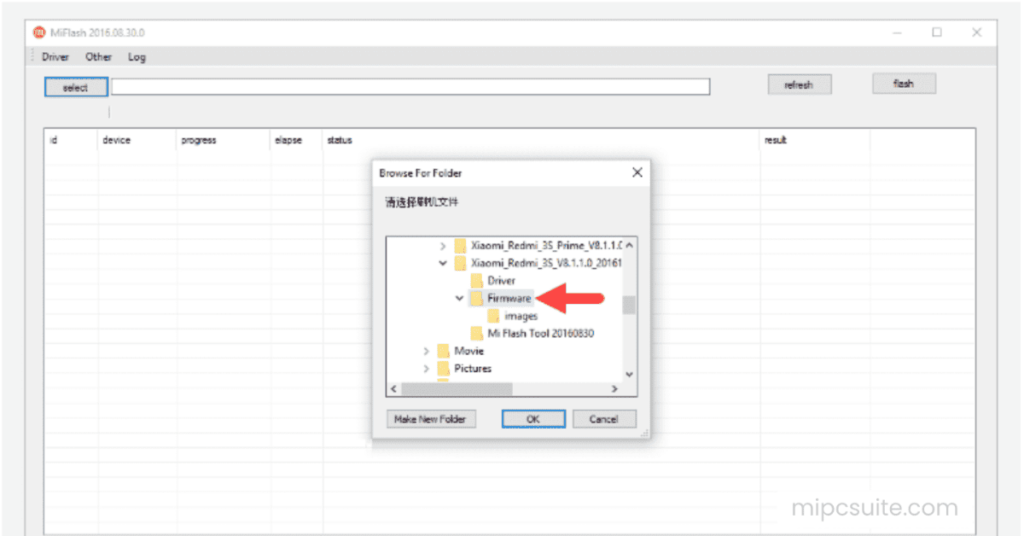
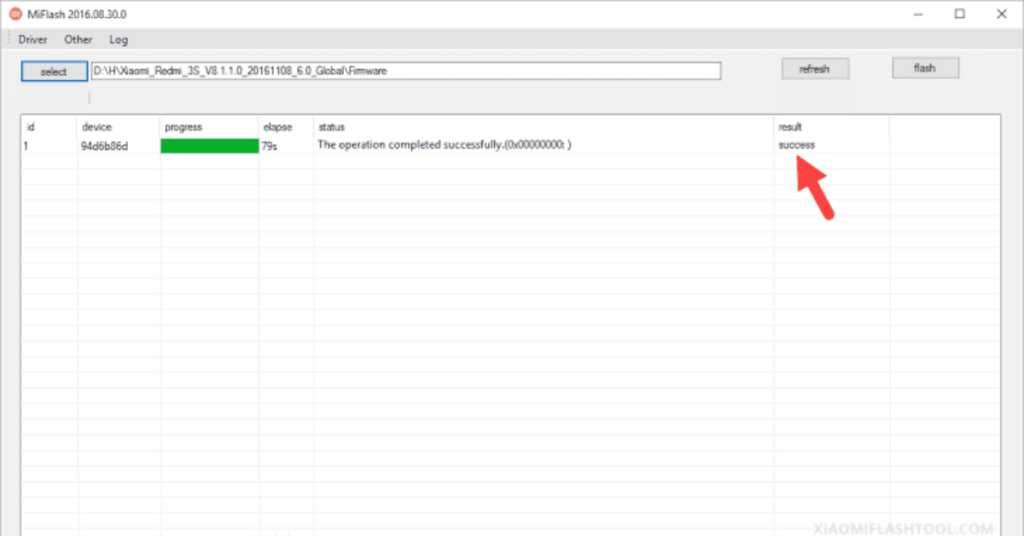
System Requirements
| Operating System | Windows 7, Windows 8, Windows 10, or Windows 11 |
|---|---|
| RAM | 2GB is required |
| Processor | Intel Core or AMD Ryzen processor |
| Storage | 5GB to 10GB of free disk space |
| .NET Framework | .NET Framework 4.5 |
| USB Driver | The application relies on specific phone-to-PC interfaces to communicate. |
FAQs
You can flash stock firmware on a Xiaomi device using the official Xiaomi Flash Tool by booting your phone into Fastboot mode and running the package from a Windows PC.
The Xiaomi Mi Flash Tool is safe and official software when downloaded from legitimate Xiaomi sources, but the flashing process itself carries inherent risks to your device's data and software.
Yes, the official tool used to unlock the bootloader on Xiaomi, Redmi, and Poco devices is called the Mi Unlock App (often referred to as the Mi Flash Unlock Tool).
To use the Mi Flash Tool, download the tool and your phone's official fastboot ROM, boot your phone into Fastboot mode, connect it to your PC, select the extracted ROM folder in the tool, and click Flash.
The Mi Flash Tool is completely free to use.