
SamXTool – Download SamXTool Latest Version for Windows

| File Name | SamXTool |
|---|---|
| Size | 5 MB |
| Version | v1.0.0 |
| Support Device | Samsung Galaxy smartphones and tablets |
Overview of SamXTool Download
SamXTool is a new program for Samsung phones. It helps with the latest updates, even the new security update for January. We haven’t tested it on every phone yet. Kindly try it on your mobile. Then tell us in a comment if it worked. Your help is good for all!!!
Features
- Remove the Google (FRP) lock with just one click.
- Turn on USB Debugging (ADB) mode specifically for Samsung phones running Android 16.
- Clean and delete the FRP lock data for Android 16 devices.
Screenshots
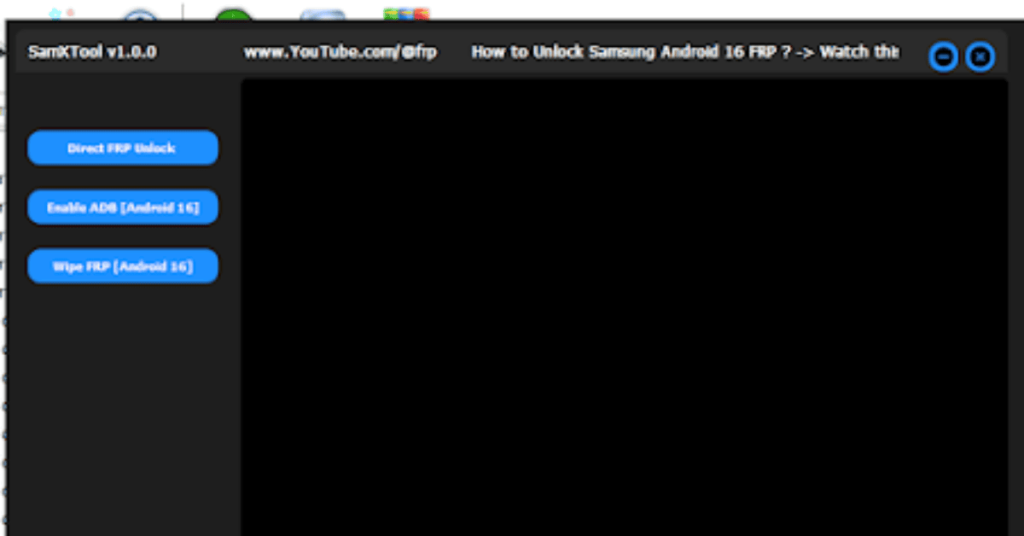
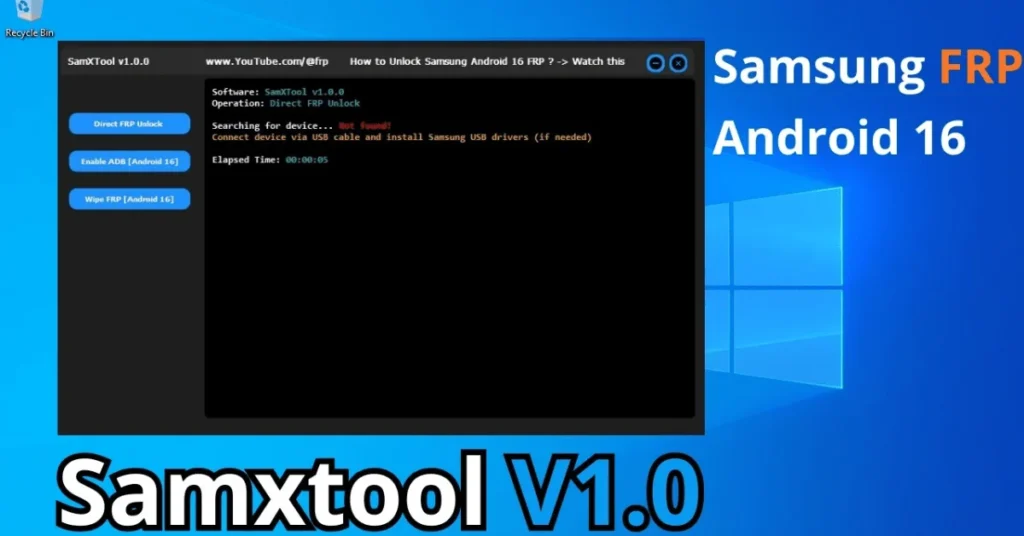
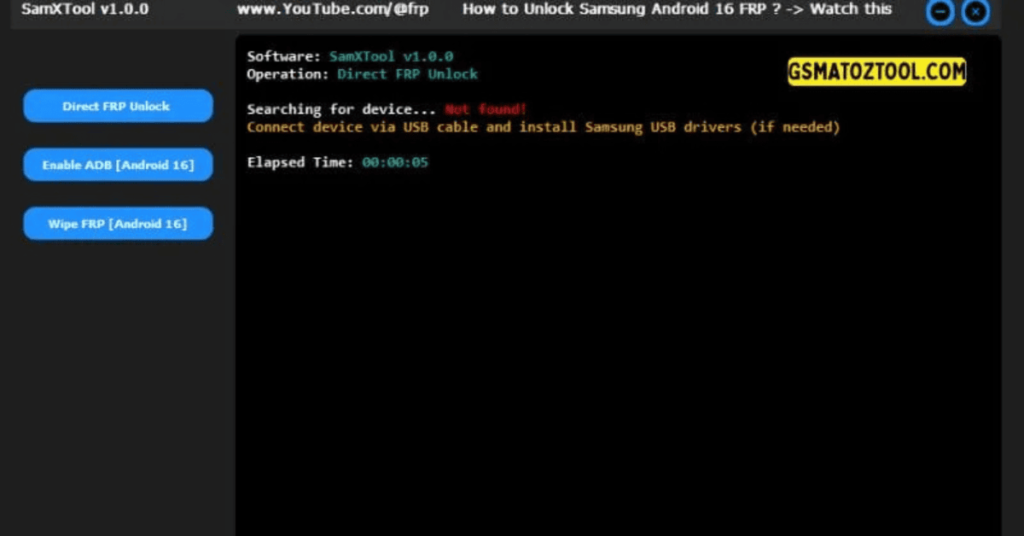
System Requirements
| Operating System | Windows 10 or Windows 11 |
|---|---|
| RAM | 2 GB minimum |
| Processor | Intel or AMD Dual-Core processor |
| Storage | 300 MB of free disk space |
| .NET Framework | NET Framework 4.7.2 or higher |
| USB Driver | Standard Android OEM / Samsung USB drivers installed on the PC |
FAQs
Samxtool Is Mainly Used To Handle Samsung Frp And Basic Unlock Tasks. It Gives You Options Like Direct Frp Unlock Enable Adb (android 16) And Wipe Frp (android 16) In One Simple Tool.
Most Releases Of Samxtool Are Shared For Free On Gsm Forums And Repair Communities. You Should Always Download It From Trusted Sources To Avoid Modified Or Unsafe Versions.
Yes You Need Proper Samsung Usb Drivers Installed On Your Windows Pc. Without Them The Phone May Not Be Detected Correctly And Frp Operations Can Fail.
Some Methods Especially Wipe Frp (android 16) Can Lead To Data Loss. Always Start With The Lightest Method First And Inform The Owner About Possible Data Wipe Before You Proceed.
No Frp Tool Can Guarantee 100% Support For All Models And Security Patches. Keeping Samxtool Updated And Testing Methods Like Direct Frp Unlock And Enable Adb (android 16) On Each Device Is Still Necessary.