
KG Killer Tool – Download Latest Version for Windows

| File Name | KG Killer Tool |
|---|---|
| Size | 81.80 MB |
| Version | v1.1.0 |
| Support Device | Android Versions, Samsung Devices, Xiaomi / Redmi / HyperOS, |
Overview of KG Killer Tool Download
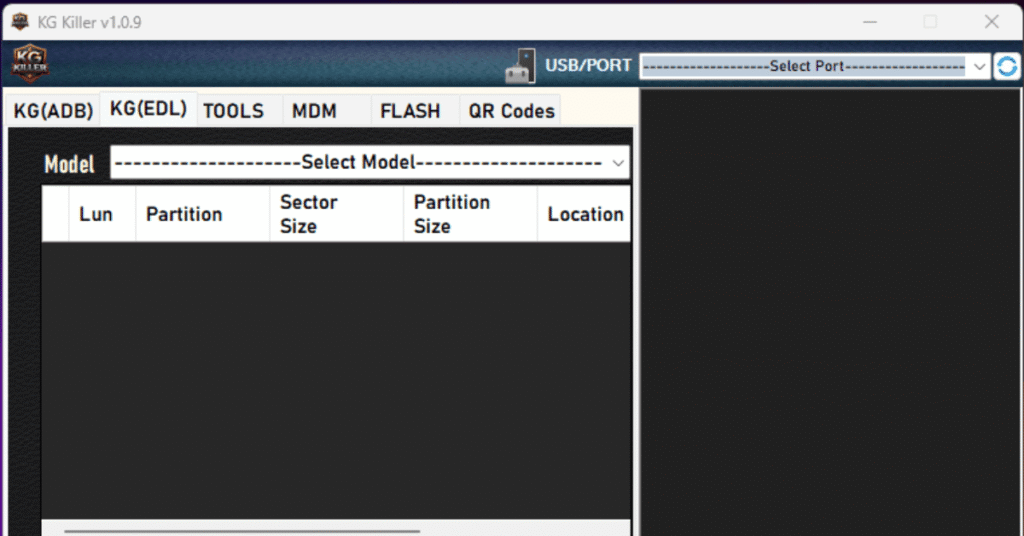
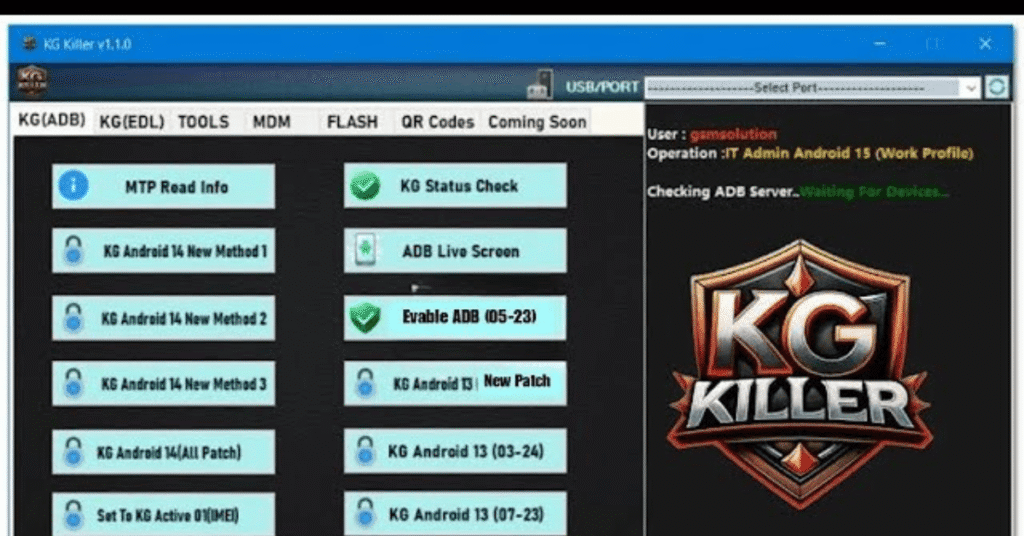
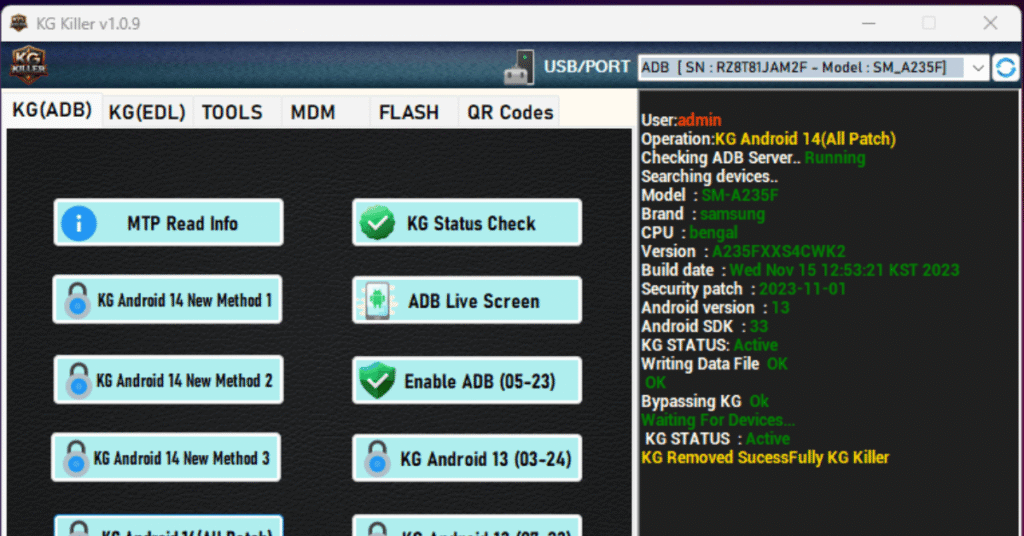
A great solution for managing mobile devices and carrying out various Knox Guard (KG)-related duties is the KG Killer tool V1.1.0. This feature-rich program supports flashing, ADB, and EDL operations. It is essential for technicians and specialists who work with Samsung, Vivo, and Xiaomi devices.
Features
- Supports KG removal for modern Android versions including Android 13, Android 14, and Android 15 via specialized patch methods and DNS bypass options.
- Clears IT Administrator, DPC (Device Policy Controller) configurations, PayJoy locks, and general enterprise MDM restrictions across supported brands.
- Offers Factory Reset Protection removal via ADB methods or Fastboot erase functions.
- Removes Samsung accounts, screen locks, carrier setup wizards, and retail Demo Mode.
Screenshots
System Requirements
| Operating System | Windows 7, 8, 8.1, 10, 11 |
|---|---|
| RAM | 2 GB minimum |
| Processor | Intel Core 2 Duo, Core i3 |
| Storage | 100 MB |
| .NET Framework | .NET Framework 4.5 |
| USB Driver | Crucial for standard MTP, ADB, and Odin/Download Mode operations. |
FAQs
It bypasses or disables the security client responsible for the lock.It uses ADB (Android Debug Bridge) or test points to freeze system files.It aims to restore regular phone functionality without completing the original financing terms.
You can remove a Samsung Knox Guard (KG) lock by contacting the original financing provider or carrier to clear the agreement, or by using specialized technician software tools to bypass the status.
A KG unlock means removing the Knox Guard (KG) remote security lock from a Samsung smartphone so the device can function normally without financial or carrier restrictions.
A Samsung KG (Knox Guard) lock check determines if a device is locked, active, or managed by a corporate leasing or financing program. You can check the KG status by dialing *#06# to get your device's 15-digit IMEI number and running a lookup on an online portal like IMEI.info or specialized Samsung servicing tools.