
Ultimat Unlock Tool – Download Latest Version & Features

| File Name | Ultimat Unlock Tool |
|---|---|
| Size | 40 MB |
| Version | v2026.09.02.0 |
| Support Device | Samsung, Xiaomi (Mi), Oppo & Realme, Vivo, Huawei & Honor, Motorola, LG |
Overview of Ultimat Unlock Tool Download
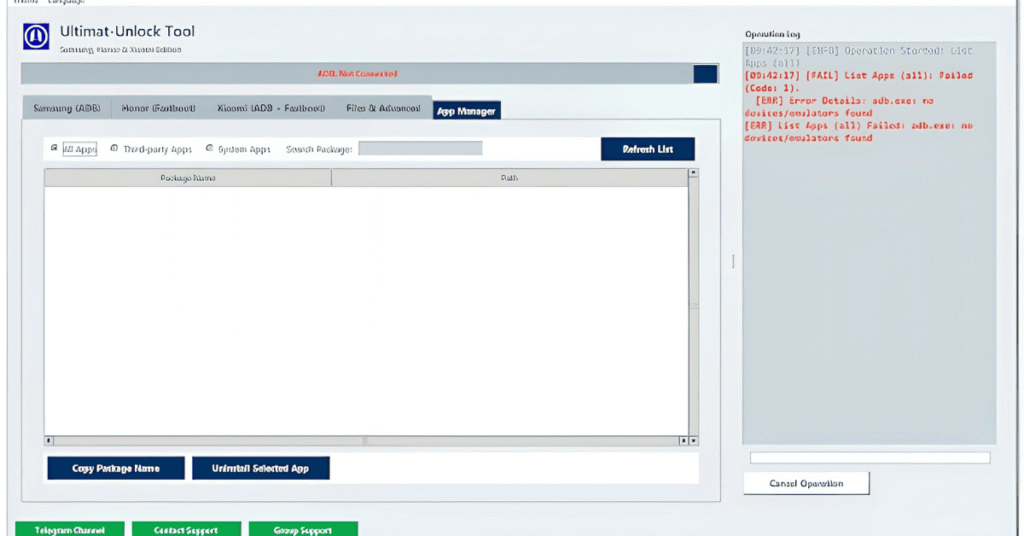
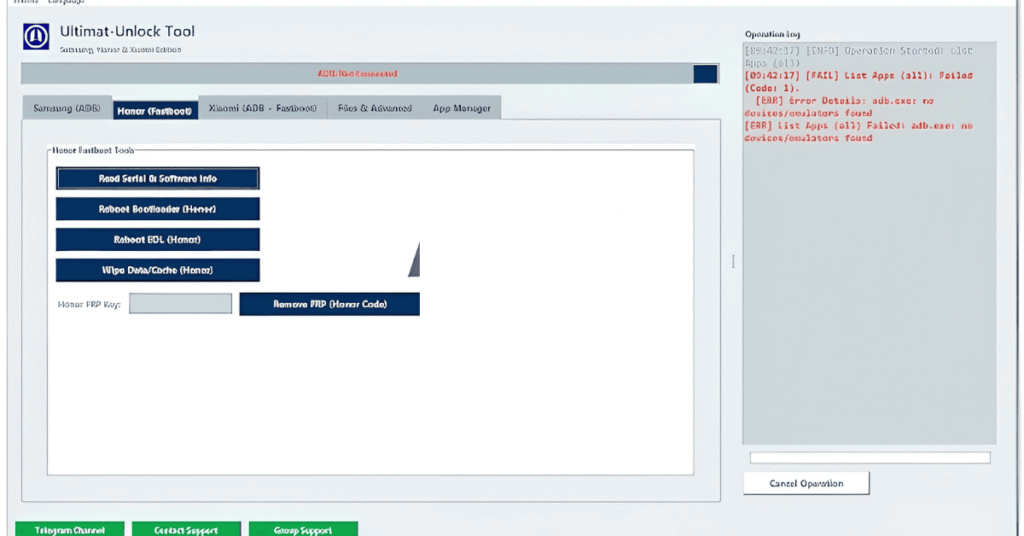
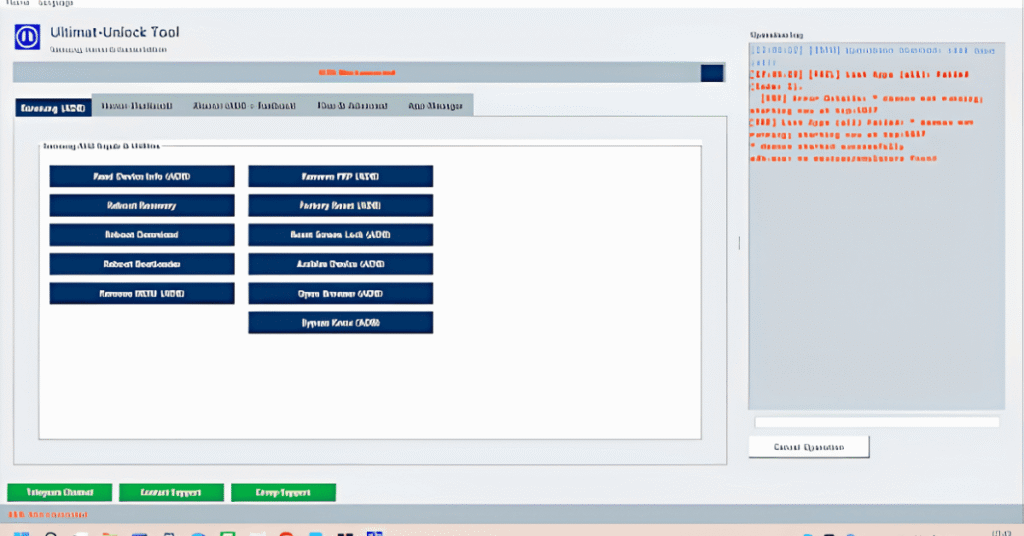
I’ve been using the Ultimat Unlock Tool for a long time now, and if you frequently work with Android phones, it really is one of those products that just makes life easier. It covers almost everything, including removing FRP or MDM locks, rebooting into multiple modes, resetting the phone, and even managing apps and data, whether you’re using a Samsung, Xiaomi, or Honor handset. The simplicity of the setup—just plug in the phone and get to work—is what I find most appealing. Additionally, it is useful for running custom ADB or Fastboot instructions, backing up data, and pushing or pulling files.
Features
- Removes Google Factory Reset Protection (FRP), Mi accounts, and Huawei IDs across supported models.
- Clears user data and bypasses forgotten PINs, patterns, passwords, and fingerprints (triggering a factory reset).
- Installs official stock firmware packages, handles readback operations, and manages full flash backups or software repairs.
- Supports bootloader unlocking and relocking on compatible chipsets.
- Fixes network connectivity issues and performs IMEI repair routines on supported platforms.
Screenshots
System Requirements
| Operating System | Windows 7, Windows 8, Windows 10, or Windows 11. |
|---|---|
| RAM | 4 GB minimum |
| Processor | Intel Core i3 |
| Storage | At least 1 GB to 2 GB |
| .NET Framework | .NET Framework 4.8 |
| USB Driver | Qualcomm HS-USB QDLoader 9008 drivers |
FAQs
Yes. Creating an account on UnlockTool.net is free. You only pay when purchasing a 3-month, 6-month, or 12-month digital license.
Yes, but not simultaneously. The server binds to your PC's hardware ID. If you switch to another machine, you are locked out of the new PC for 12 hours.
No. Account sharing triggers server flags and risks account suspension.
The tool injects low-level USB exploits to bypass bootloaders, triggering heuristic false positives. You must add an exclusion folder in Windows Defender before extracting.
This is caused by local network restrictions or server overloads. Clear your Windows DNS cache, temporarily disable proxies, or use a reliable VPN to refresh the connection routing.