
Samsung FRP Tool – Download & Guide for Android Devices
| File Name | Samsung FRP Tool |
|---|---|
| Size | 50 MB |
| Version | v6 |
| Support Device | Galaxy S Series, Galaxy A, M, and F Series, Galaxy Z Series, Galaxy Tab Series |
Overview of Samsung FRP Tool Download
The Samsung FRP tool is susceptible to unlocking any Samsung smartphone. You won’t have much issue using the tool because it is small and simple to use. In the meantime, this 100% tested tool will assist you in resetting the factory data on Samsung smartphones.
Features
- Easy to use
- User-Friendly
- Simple Interface
- Easily Remove FRP of Samsung smartphone
- Able to reset phone dialer
- Shareable with friends
Screenshots
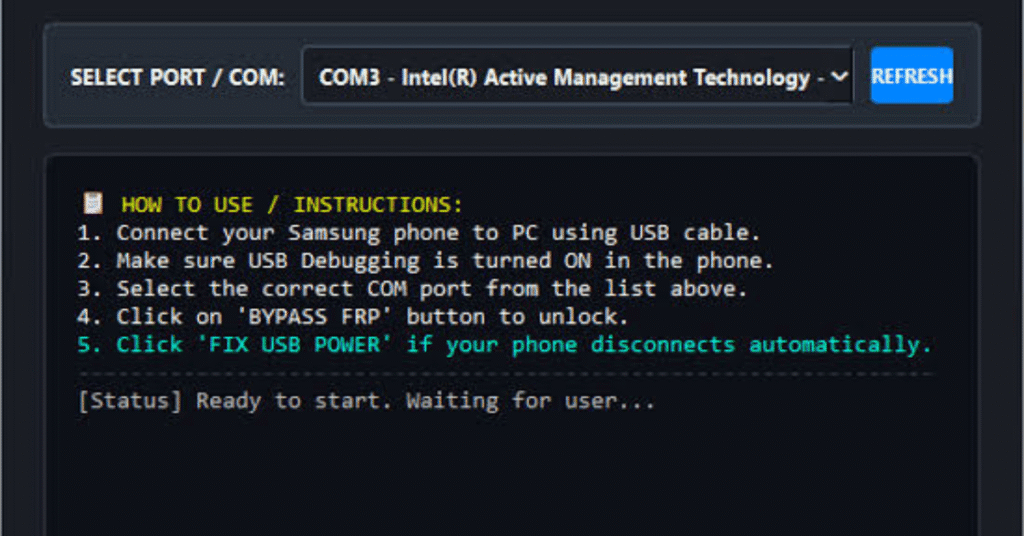
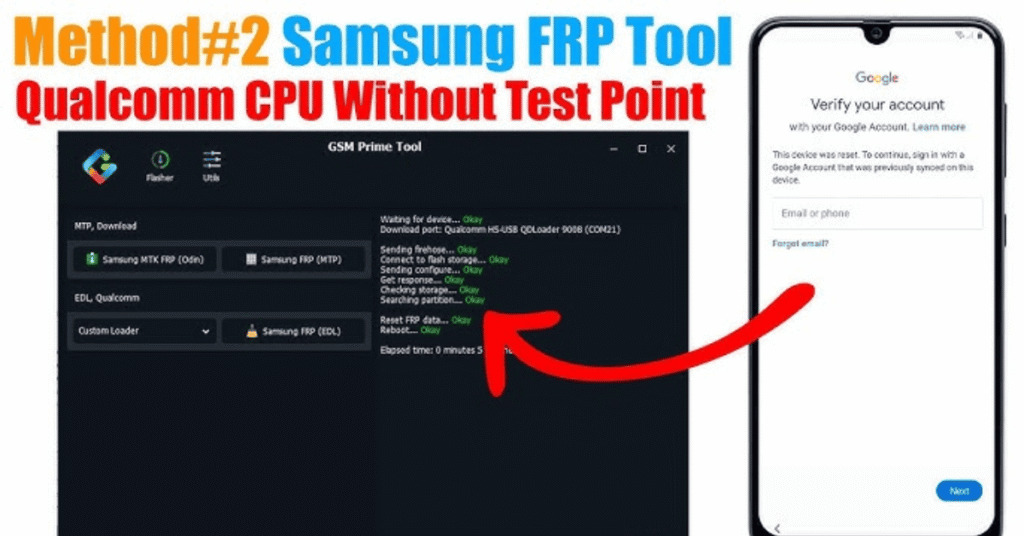
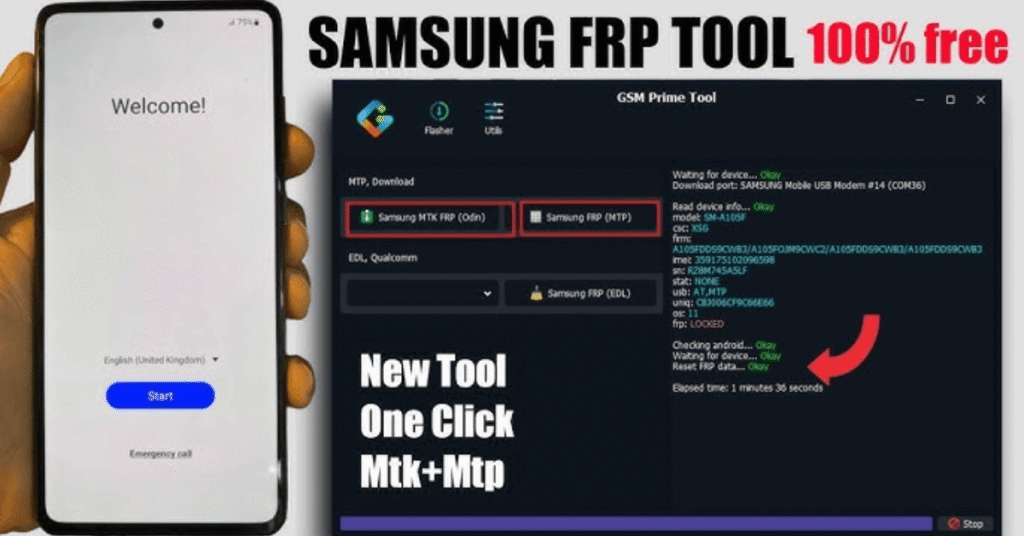
System Requirements
| Operating System | Windows PC (Windows 7, 8, 10, or 11). |
|---|---|
| RAM | 2 GB |
| Processor | Intel Core 2 Duo |
| Storage | 50 MB to 500 MB |
| .NET Framework | .NET Framework 4.5 |
| USB Driver | Official Samsung Android USB Driver installed on your computer. |
FAQs
Factory Reset Protection is a security feature built into Android devices. It automatically activates when you set up a Google account on your phone. If your device is factory reset, FRP requires you to enter the original Google account credentials to prove ownership.
Not always. Free cracked software, mirror links, and random APKs often carry malware, adware, or data-stealing scripts. Stick to reputable utility software and official developer sources if you use free options.
Free programs like the SamFw FRP Tool work well for older Android versions by triggering test modes (*#0*#). However, newer Android updates (14, 15, and 16) frequently patch these exploits, meaning paid or server-based solutions are sometimes required.
Most efficient bypass utilities—including software-based ADB methods—require a Windows PC, a USB data cable, and specific Samsung USB drivers. Some manual workarounds use Wi-Fi and talkback accessibility features directly on the handset, but they are tedious and version-dependent.
The FRP bypass process itself generally aims to let you access the device setup menu without wiping files further, but the initial hard reset that triggered the lock already wiped your personal storage.