
3uTools Download – iPhone & iPad Management Tool
| File Name | 3uTools |
|---|---|
| Size | 189 MB |
| Version | v9.8.6 |
| Support Device | iPhone, iPad, iPod touch, and Apple Watch |
Overview of 3uTools Download
For the iPhone, iPad, and iPod touch, 3uTools is a free Windows program that combines media tools, system utilities, firmware handling, and device management into a single desktop interface. 3uTools, which is aimed at both regular users and technicians, makes simple operations like backups, IPSW downloads and flashing, jailbreak support, media conversion, and comprehensive device diagnostics easier while revealing more sophisticated options for power users.
Features
- Install, update, or downgrade iOS firmware using standard, retain-data, or clean flash modes. It also offers guided jailbreak integrations for supported devices.
- Perform full local computer backups without iCloud storage limits, and selectively restore specific files like contacts or photos.
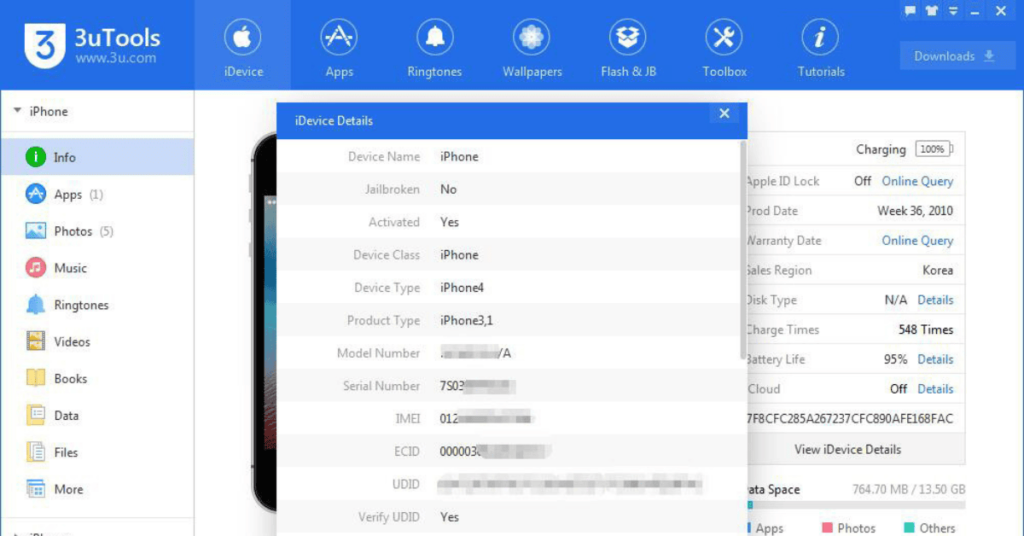
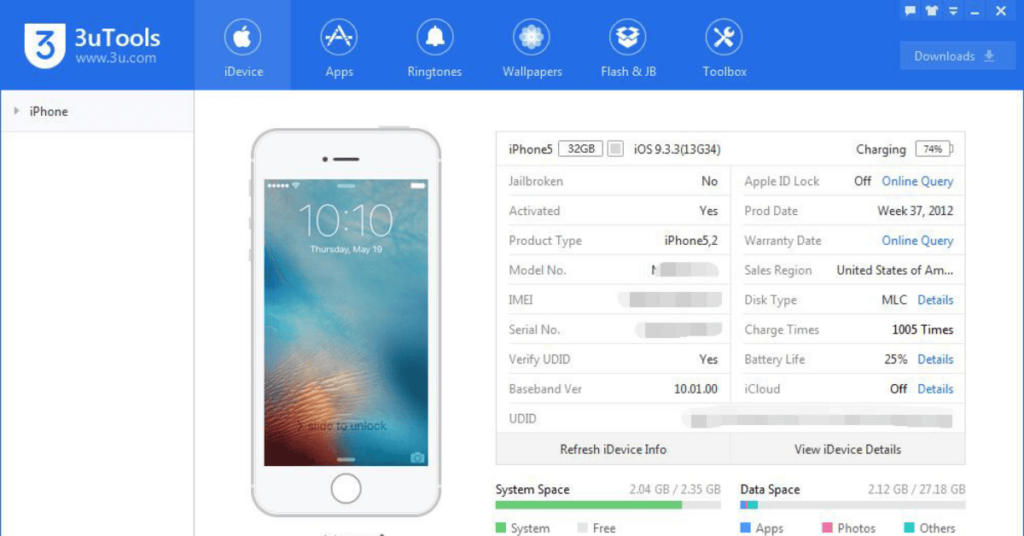
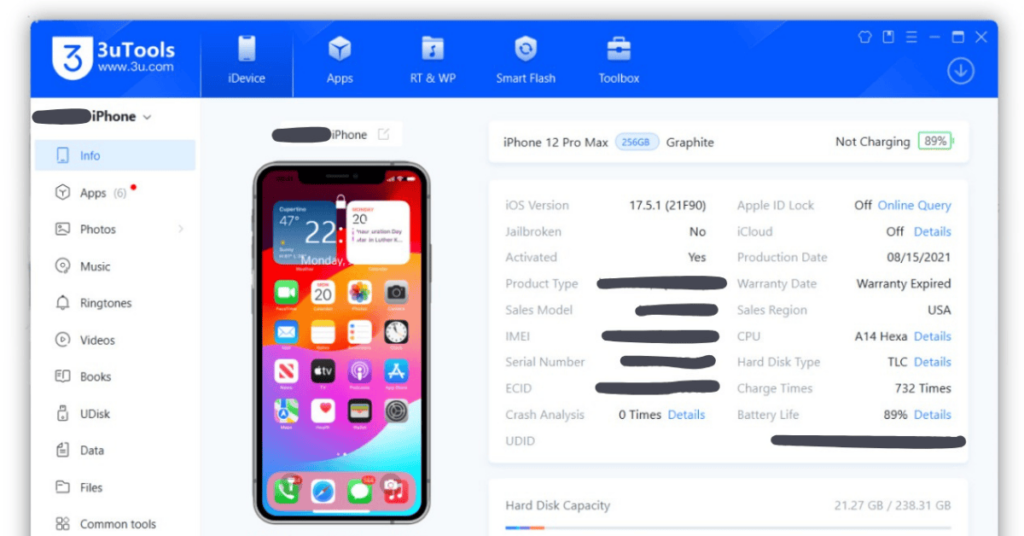
- Run hardware health scans to check battery life, serial numbers, activation lock status, and detect refurbished or part-replaced parts
Screenshots
System Requirements
| Operating System | Windows 7, Windows 8, Windows 10, or Windows 11 |
|---|---|
| RAM | 2 GB or more recommended. |
| Processor | Intel Pentium 4 |
| Storage | Minimum of 200 MB |
| .NET Framework | .NET Framework 4.8 |
| USB Driver | Apple Mobile Device Drivers |
FAQs
3uTools is a software tool that allows users to manage and customize their iOS devices.
3uTools is available for Windows operating systems, including Windows 7, 8, and 10.
With 3uTools, you can jailbreak your iOS device, flash firmware, install apps, manage media files, perform system cleanup and optimization, and more.
Yes, 3uTools is a free software tool.
3uTools is generally considered safe to use. However, it's important to always download software from trusted sources and exercise caution while using any third-party tool.