
XTM Tool – Download Latest Version & Features

| File Name | XTM Tool |
|---|---|
| Size | 10 MB |
| Version | v1.0 |
| Support Device | Samsung, Xiaomi, Motorola, Tecno, Infinix, and Itel |
Overview of XTM Tool Download
XTM Tool is a program that runs on Windows. The majority of Qualcomm Android phones—including select models from Samsung, Xiaomi, Oppo, Vivo, and Moto—are supported. Numerous issues with Qualcomm devices, including firmware flashing, factory reset, and user lock/pattern removal, can be resolved with this tool.
Features
- Supports mobile phones from Samsung, Xiaomi, Oppo, Vivo, and many other companies (model-level compatibility may vary for each tool).
- Supports all Android versions from Lollipop (5.0) and above.
- Windows 7
Screenshots
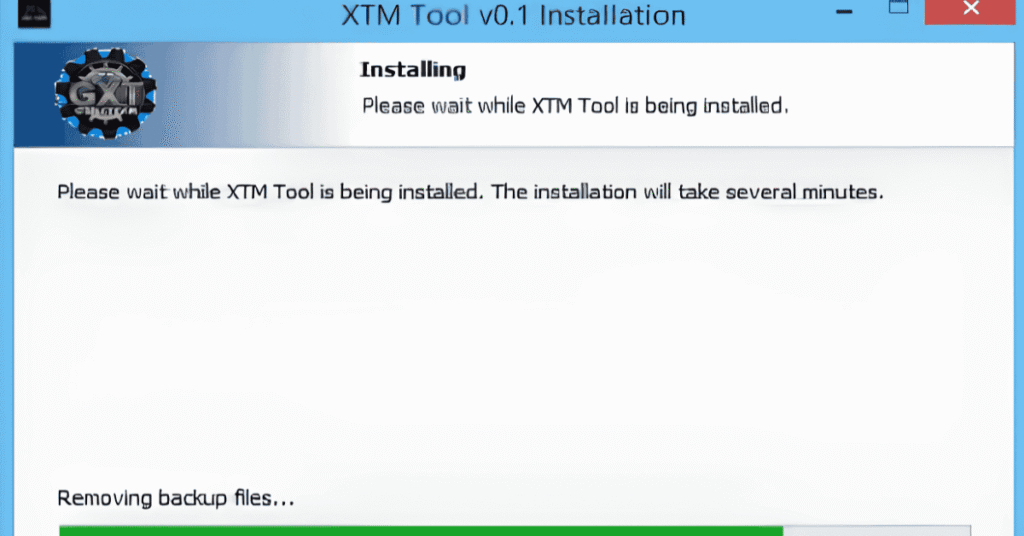
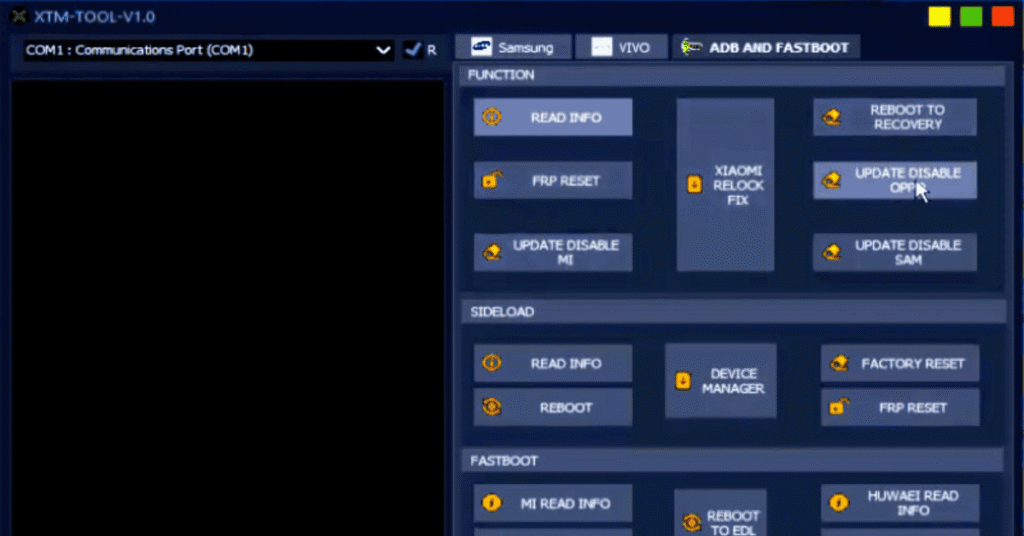
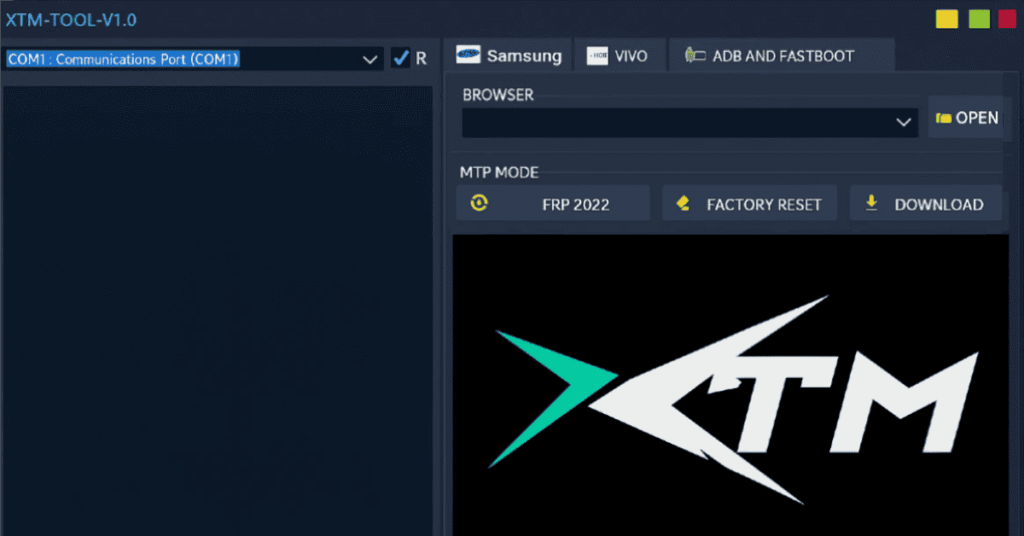
System Requirements
| Operating System | Windows 7, 8, 10, or 11 |
|---|---|
| RAM | 4 GB Recommended |
| Processor | Intel Core i3 |
| Storage | 500 MB free space |
| .NET Framework | NET Framework 4.8 |
| USB Driver | USB 2.0 port |
FAQs
XTM Cloud is a web-based translation management tool and CAT tool. It lets translation teams, project managers, and freelance translators handle translation projects, glossaries, and translation memories in real time from a web browser.
You can import and export terminology files in CSV, TBX, or MTF formats directly inside the terminology section.
Check the Category ID field under Configuration → Settings → Translation → Machine translation (e.g., for Microsoft Translator). Removing or updating an incorrect Category ID often restores matches.
You can check the official XTM Workbench Manual for detailed step-by-step guidance.