
Phoenix Service Tool – Download Latest Version for PC

| File Name | Phoenix Service Tool |
|---|---|
| Size | 25 MB |
| Version | v8.1.5 |
| Support Device | Samsung, Xiaomi, HMD/Nokia, Huawei, Vivo, Oppo, Realme, OnePlus, and Transsion |
Overview of Phoenix Service Tool Download
This application offers Phoenix Service Tools to support different phone brands. FRP, firmware flashing, user data erasure, and automatic reboots for Nokia handsets are all supported. It can also access device data and perform activities such as FRP resets and user data management. Samsung now offers comparable service alternatives in addition to account resets. While Realme and OPPO use only one flashing tool, OnePlus offers tools specifically for developers and everyday users.
Features
- Services major smartphone brands including Samsung, Xiaomi, Nokia HMD, Oppo, OnePlus, Realme, Vivo, Honor, Infinix, and Tecno.
- Installs stock ROMs, updates system software, and manages specialized connection modes like Fastboot and EDL.
- Removes factory reset protection (FRP), PINs, patterns, and fingerprint locks.
- Clears Mi and Google account lockouts on supported devices.
- Reads vital hardware and software details including IMEI, SKU ID, software version, and security patch levels.
- Operates on a pay-per-use credit system for executing specific advanced repair functions.
Screenshots
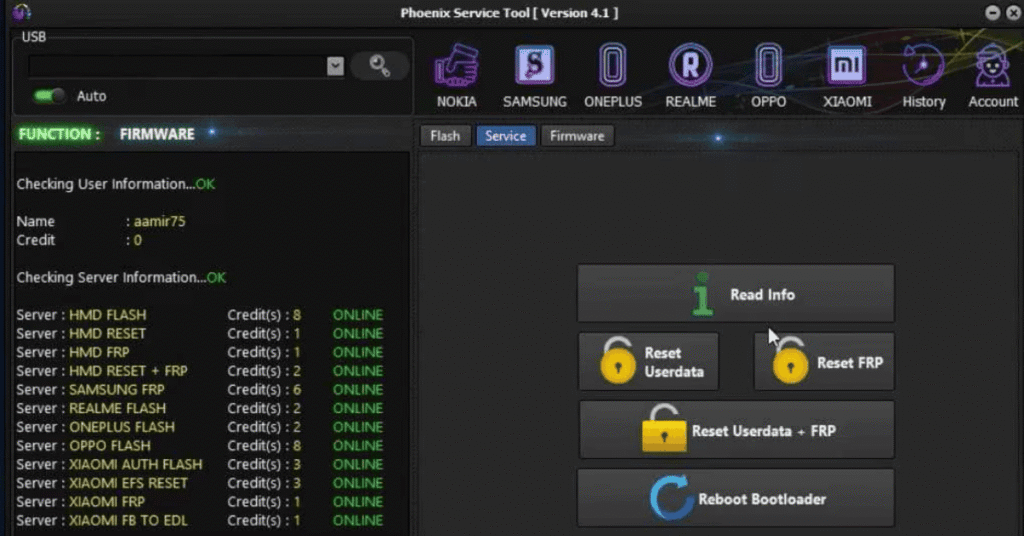
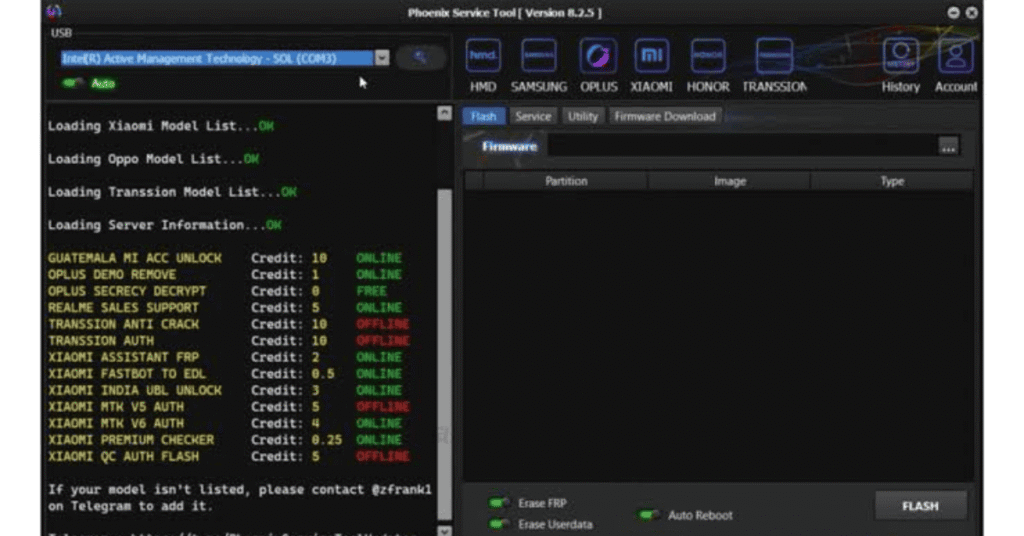
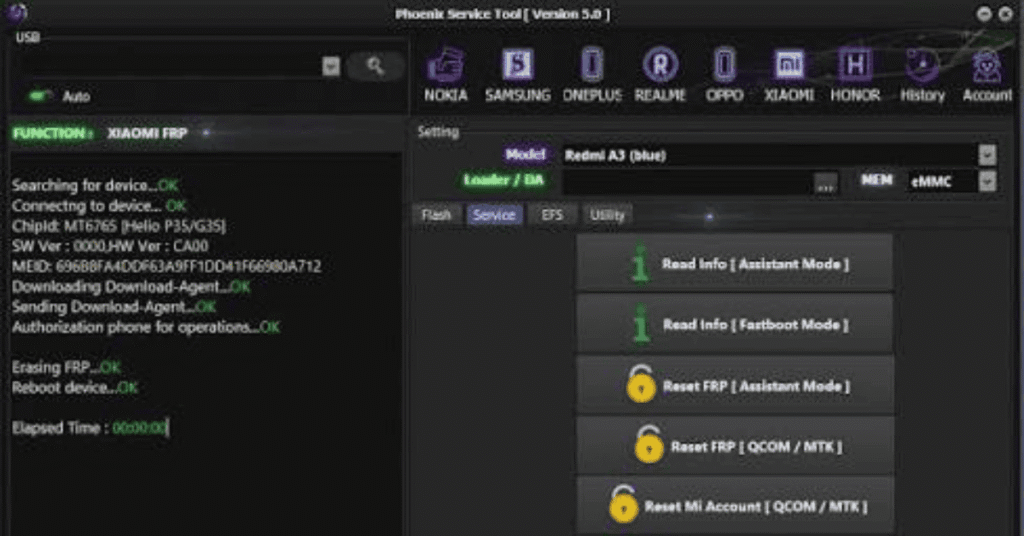
System Requirements
| Operating System | Microsoft |
|---|---|
| RAM | Minimum 8 GB |
| Processor | Minimum Intel i5 |
| Storage | Minimum 1 GB |
| .NET Framework | .NET Framework 4.7 |
| USB Driver | Requires specific USB VCOM/adb drivers installed on Windows |
FAQs
Yes, but only through third-party websites. However, it is outdated and not recommended for modern devices.
It’s safe if used correctly on compatible devices, but the risk of bricking your phone is high if you flash the wrong firmware.
The best option in 2026 is PassFab Android Unlock, which works on nearly all brands and models.
You can log into your account through the Phoenix Software Support Portal and select "Open a Case" from the menu.
Ensure your PC date/time is correct, temporarily disable strict antivirus protection during launch, or check official updates via the Phoenix Service Tool Facebook Page for patch rollouts.