
Arepa Tool – Download, Features & System Requirements

| File Name | Arepa Tool |
|---|---|
| Size | 320 MB |
| Version | v1 |
| Support Device | Android devices from brands like Samsung, Honor, Motorola, and Xiaomi |
Overview of Arepa Tool Download
Arepa Tool V1.0 is an essential tool for anyone working with Android flashing, unlocking, or software repair. Samsung, Motorola, Honor, and Xiaomi handsets are supported by this lightweight yet potent software. This tool can manage partitions, unlock bootloaders, fix banking apps, flash firmware, and remove FRP locks, among other significant servicing duties.
Features
- Works with multiple phone brands, including Samsung, Motorola, Xiaomi, and Honor.
- Allows reading and erasing device partitions.
- Supports removing user accounts, such as Samsung accounts.
- Can unlock device bootloaders.
- Enables installing and uninstalling applications directly.
- Operates using ADB (Android Debug Bridge) and Fastboot modes.
Screenshots
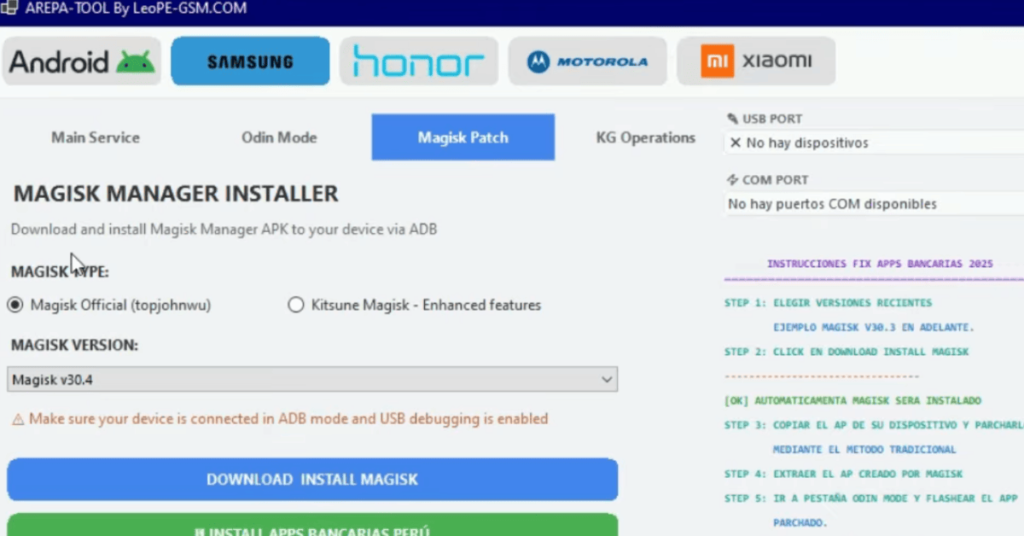
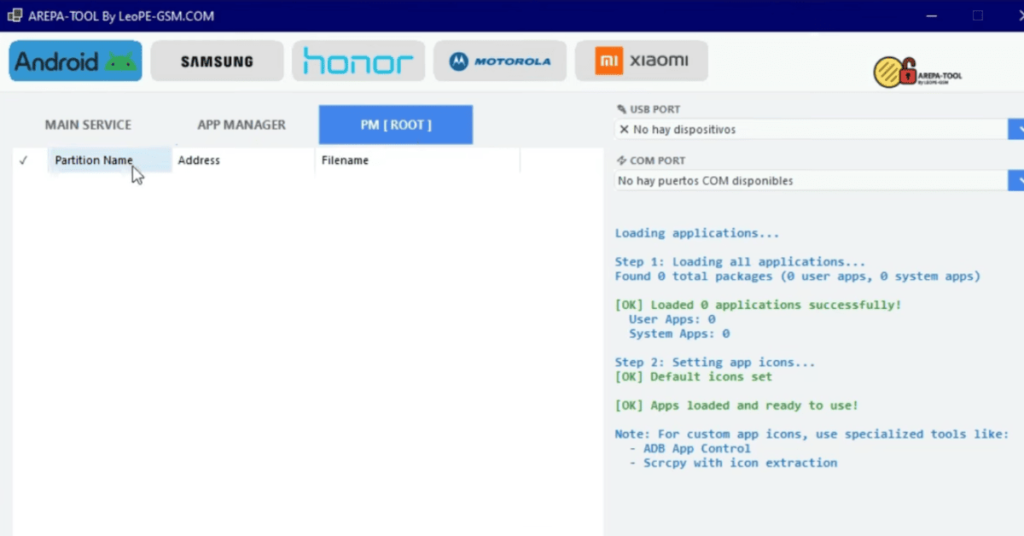
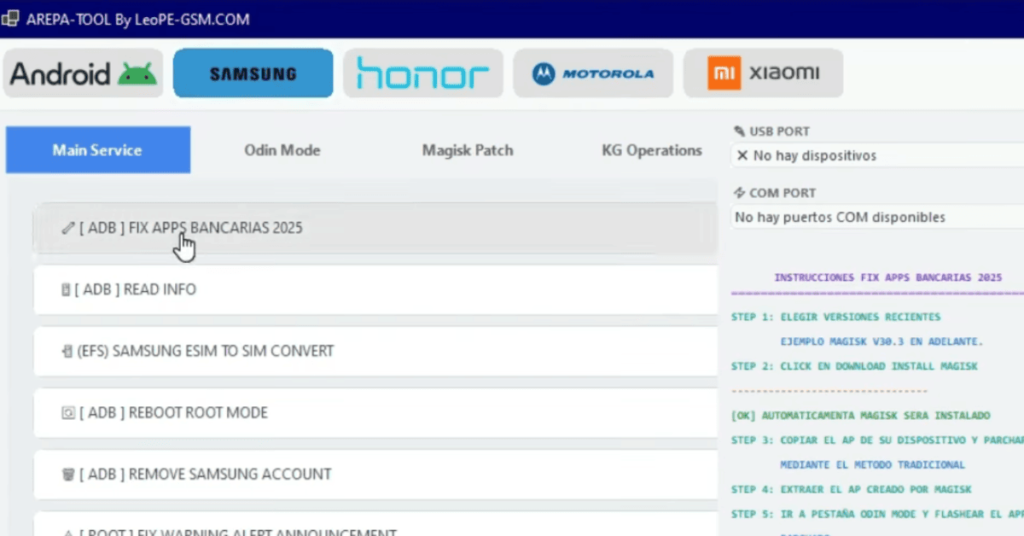
System Requirements
| Operating System | Windows 7, 8, 10, or 11 (32-bit or 64-bit) |
|---|---|
| RAM | Minimum 2 GB RAM |
| Processor | 1.0 GHz or faster Intel/AMD processor |
| Storage | 500 MB |
| .NET Framework | .NET Framework 4.5 |
| USB Driver | You must install the specific driver for your phone's brand so the tool can communicate with it in ADB, Fastboot, or EDL/Download mode |
FAQs
It is a utility software used for servicing mobile devices, supporting brands like Samsung, Honor, Motorola, and Xiaomi.
It allows users to read device information, read or erase partitions, install or uninstall applications, change CSC codes, unlock bootloaders, and remove Samsung accounts.
It can run offline, though an active connection may be used for certain operations.
Not always; components can often be professionally cleaned and restored to reliable operation.