
OnePlus FRP Tool – Download Latest Version & Features

| File Name | One Plus FRP Tool |
|---|---|
| Size | 100 MB |
| Version | v2026 |
| Support Device | typically covering models running Qualcomm and MediaTek processors across Android versions 11 through 16 |
Overview of OnePlus FRP Tool Download
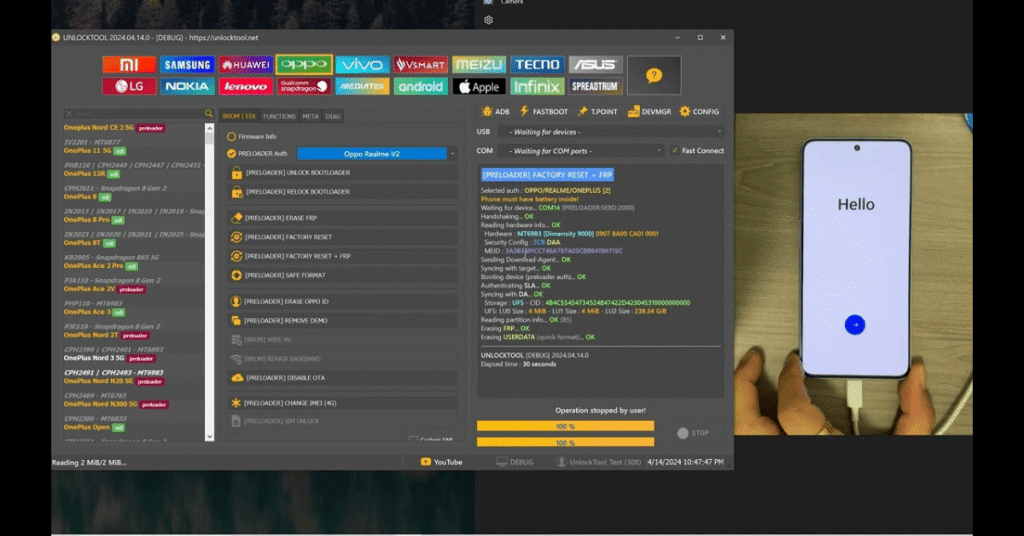
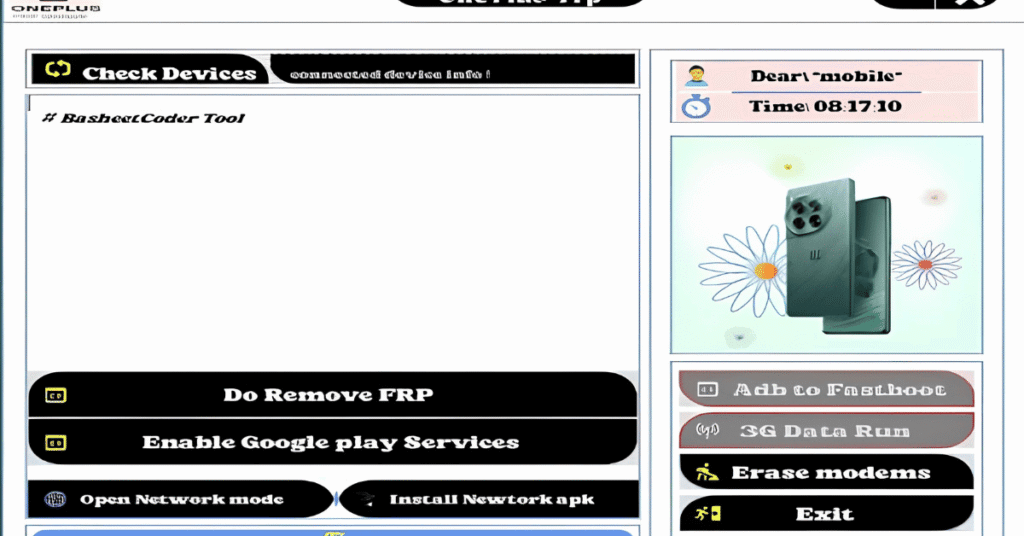
This little OnePlus FRP tool can assist if, following a reset, your OnePlus phone is stuck on the Google verification screen. The tool is really easy to use. You won’t be confused because everything is displayed plainly on the screen. With a few clicks, you can check your device, remove FRP, correct Google Play, and do simple network repairs.
Features
- Automatically removes Google account verification screens without requiring manual exploit steps or credential entry.
- Supports various Android versions running on OnePlus devices, ranging from older builds up to Android 14 and Android 15.
- Works across multiple lineups including flagship OnePlus series numbers (e.g., OnePlus 11, 12, 13), Nord series, and Ace variants.
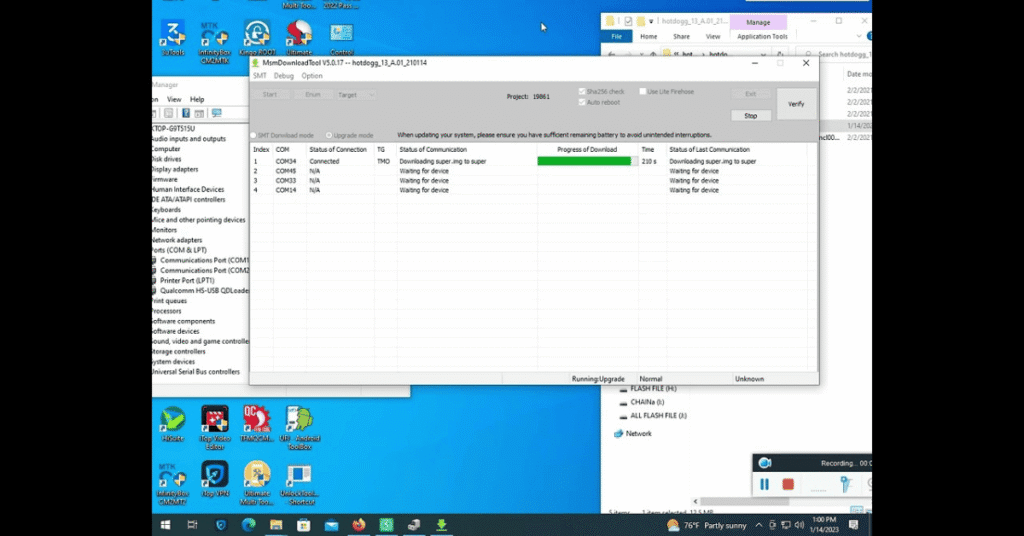
- Utilizes specialized EDL (Emergency Download Mode) or fastboot routines to safely communicate with device processors.
- Many utility suites bundle extra capabilities to clear pattern, PIN, or password lock screens if the device interface is otherwise inaccessible.
Screenshots
System Requirements
| Operating System | Windows 10 or Windows 11 (64-bit recommended). |
|---|---|
| RAM | Minimum 2 GB to 4 GB of RAM. |
| Processor | Intel or AMD multi-core processor (1.5 GHz or faster). |
| Storage | At least 500 MB to 2 GB of free disk space. |
| .NET Framework | .NET Framework 3.5 |
| USB Driver | Qualcomm, MediaTek, or MTK USB Port drivers, and ADB/Fastboot drivers |
FAQs
It is Factory Reset Protection, an anti-theft measure triggered when a device is wiped without first removing the synced Google account.
Yes, many older and mid-range OnePlus models allow manual workarounds using Wi-Fi setups, accessibility features, or browser shortcuts (like accessing YouTube or settings via notification prompts). However, newer Android versions and high-security patches often block these methods.
Professional technicians often use specialized GSM software and multi-brand service tools (such as UnlockTool, AMT, or dedicated Meta/EDL flashing utilities) which may require test points or authorized online server credits.
Yes. Removing or bypassing FRP typically involves a complete data wipe or resetting the device storage.
Downloaded cracked software or untrusted "one-click" FRP tools carry severe risks, including malware, corrupted partitions, or permanent device bricking.