
Zeroknox Removal Tool – Download & Complete Guide

| File Name | Zeroknox Removal Tool |
|---|---|
| Size | 105 MB |
| Version | v1.6 |
| Support Device | Samsung devices |
Overview of Zeroknox Removal Tool Download
Samsung Zeroknox removal tool is a software program that assists users in bypassing security measures such as enterprise mobility management (EMM) or mobile device management (MDM) software and unlocking locked or restricted devices. This tool is mainly used by IT professionals and mobile technicians to take control of locked devices.
Features
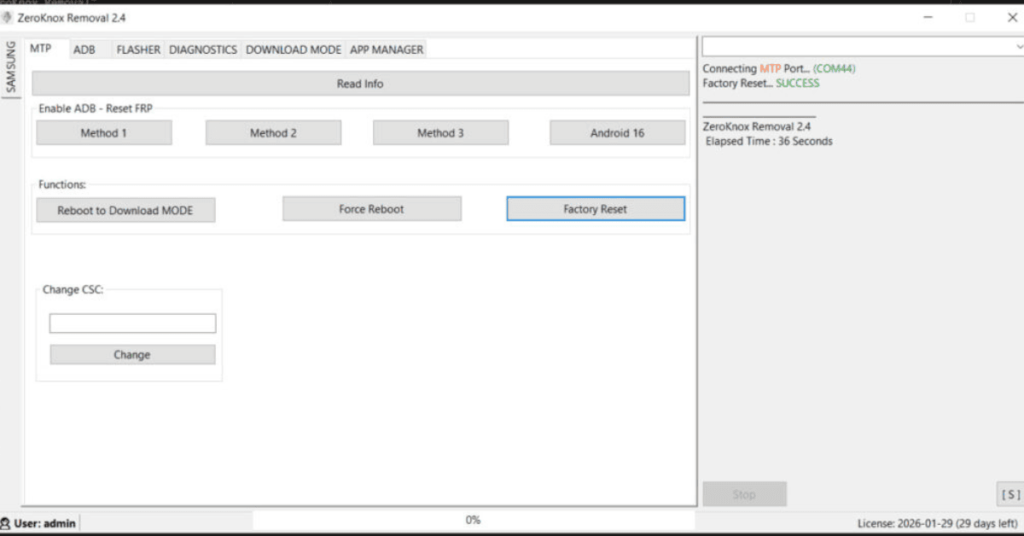
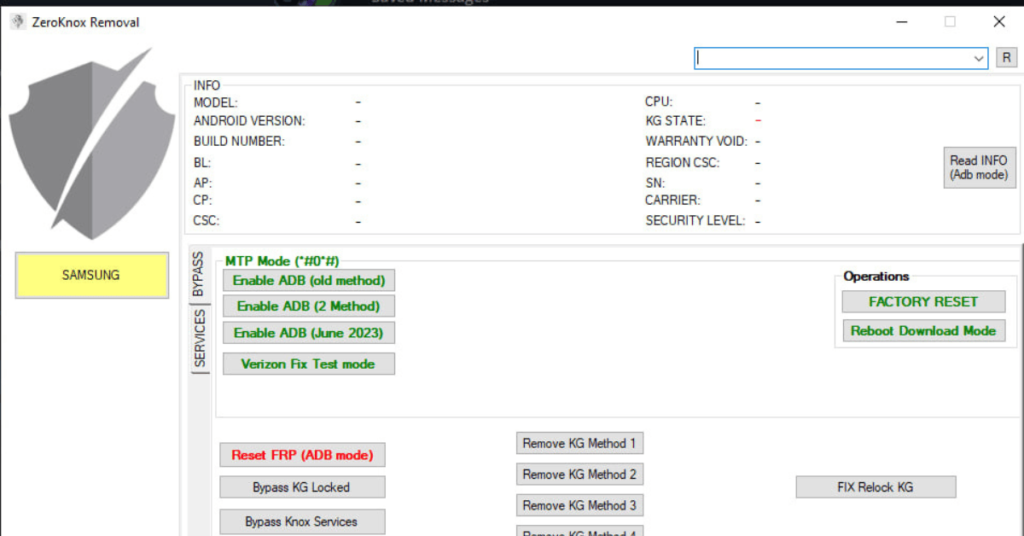
- The Samsung Knox Unlock tool helps you overcome the Knox security barriers and restrictions on your Samsung device.
- You can access Android Debug Bridge through this tool for advanced device management.
- This tool allows you to reset your device to factory settings easily without login credentials.
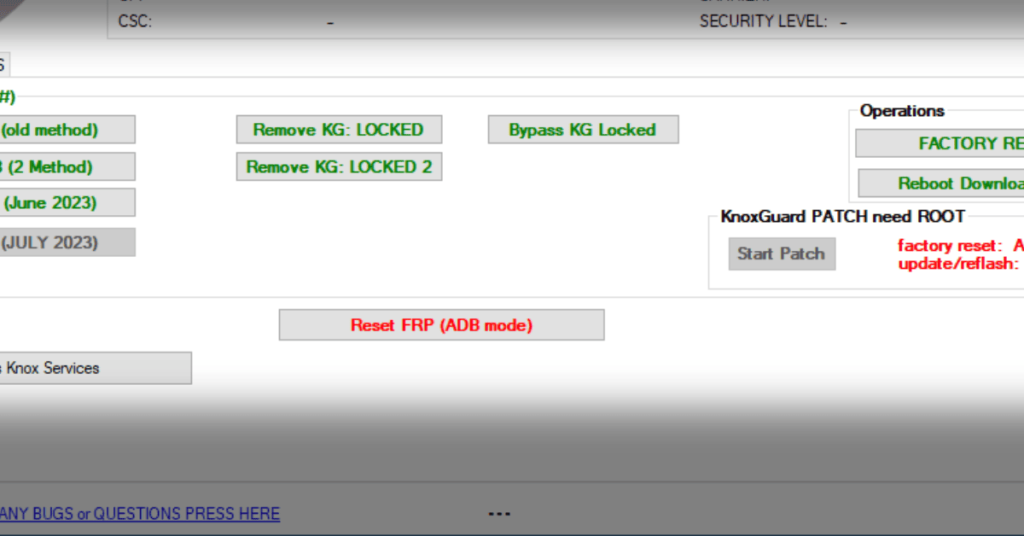
- It allows you to disable Factory Reset Protection to regain complete control over your device.
- You can enter download mode to facilitate firmware updates or modifications.
Screenshots
System Requirements
| Operating System | Windows 7, 8, 10, or 11 |
|---|---|
| RAM | 4GB or higher |
| Processor | Intel or AMD CPU |
| Storage | Minimum 1GB of free space |
| .NET Framework | NET Framework 4.5 |
| USB Driver | Official Samsung Android USB Driver |
FAQs
It bypasses Google Account locks (FRP) and removes MDM or Knox payloads via MTP, ADB, or Fastboot connection modes.
No. The utility functions over standard protocols (MTP/ADB) without needing root access, preserving basic device partition integrity.
Yes. While heavily optimized for Samsung, newer updates contain service modules targeting Xiaomi devices via Fastboot mode, alongside generic Android operations.
Most standard FRP or Knox bypass techniques executed via ADB will preserve data. However, secondary diagnostic functions like Factory Reset commands within the panel will completely wipe the phone.
The tool natively supports Android 6 through Android 13 (covering security patches up to mid-2023 for instant ADB optimization), with extended compatibility adjustments stretching through newer security releases.