
Nusantara Unlock Tool Download – Latest Version & Guide
| File Name | Nusantara Unlock Tool |
|---|---|
| Size | 200 MB |
| Version | v2026.09.02.0 |
| Support Device | Samsung, Motorola / Lenovo, Tecno & Infinix, Xiaomi / Redmi, Huawei & Honor, Apple |
Overview of Nusantara Unlock Tool Download
A tiny program for Windows machines is called Nusantara Unlock Tool. It is locked upon login activation and specifically made for PragmaFix users. However, I was able to simply bypass and get around the tool’s login menu because the creator utilized minimal security. I only offer free activation to all of my visitors for security reasons. The features of the utility are shown below; you may get it from the sections with download links.
Features
- Bypasses Google Factory Reset Protection (FRP) and removes account-locking mechanisms across various Android brands.
- Safely clears PINs, patterns, and passwords.
- Handles firmware flashing, readback operations, flash backups, and general software repairs.
- Supports unlocking and relocking bootloaders on compatible device chipsets.
- Provides routines for repairing IMEI numbers and resolving network issues on supported platforms.
Screenshots
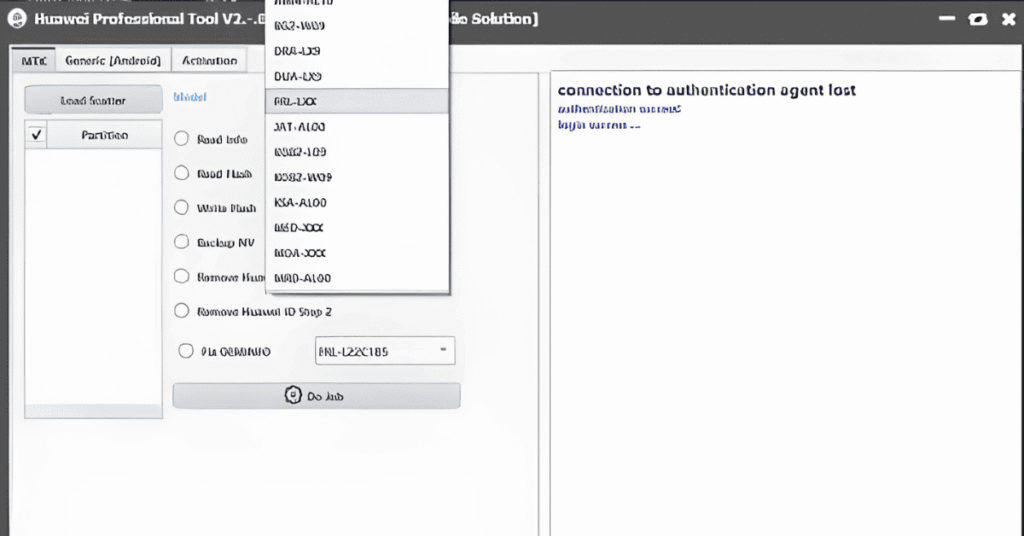
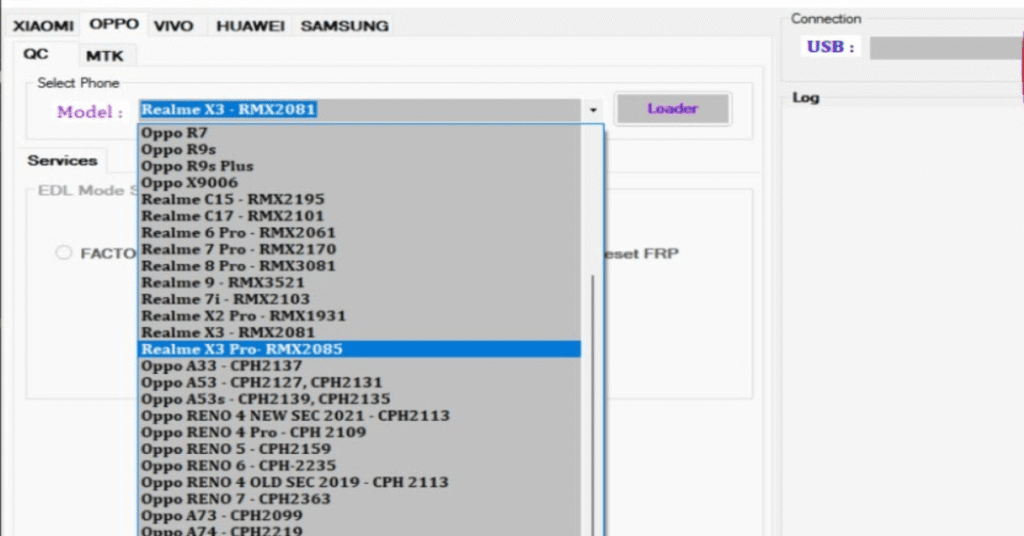
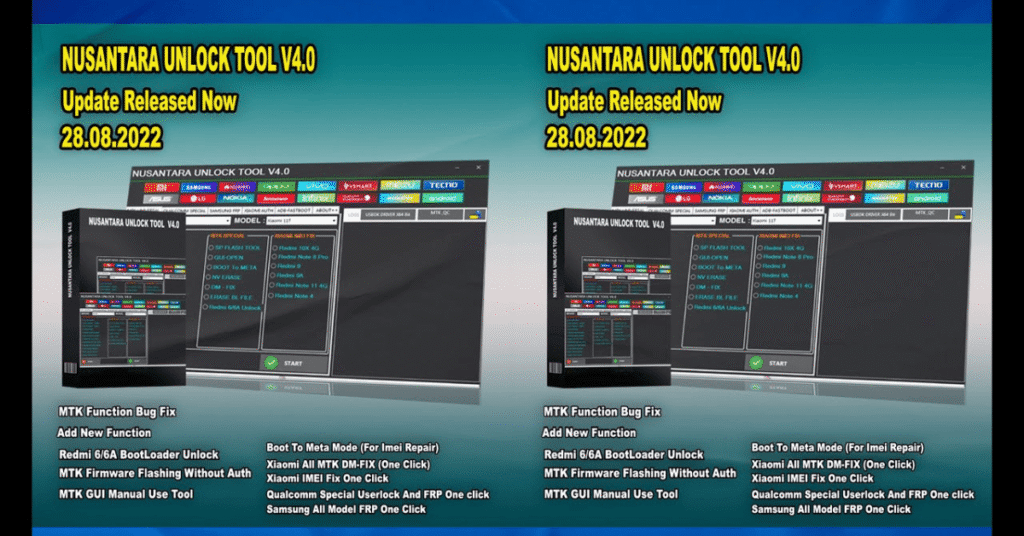
System Requirements
| Operating System | Windows 7, 8, 8.1, 10, or 11 |
|---|---|
| RAM | 4 GB minimum |
| Processor | Intel Core i3 or equivalent AMD processor. |
| Storage | At least 2 GB of free space |
| .NET Framework | .NET Framework 4.5 |
| USB Driver | Physical USB 2.0 or USB 3.0 ports alongside a high-quality data cable capable of handling fastboot/EDL data transmission. |
FAQs
Yes, creating an account on UnlockTool costs nothing, but you need an active paid license to log into the software.
No, usernames are permanent and directly tied to your active licenses.
No, sharing accounts or simultaneous logins risk immediate suspension as sessions are monitored.
Standard server-side delivery takes between 1 to 6 hours after ordering.