
Bader Tool – Latest Version, Features & System Requirements

| File Name | Bader Tool |
|---|---|
| Size | 551 MB |
| Version | v2.0 |
| Support Device | MediaTek, Samsung, Oppo, Vivo, Xiaomi, Realme, and Spreadtrum/Unisoc devices. |
Overview of Bader Tool Download
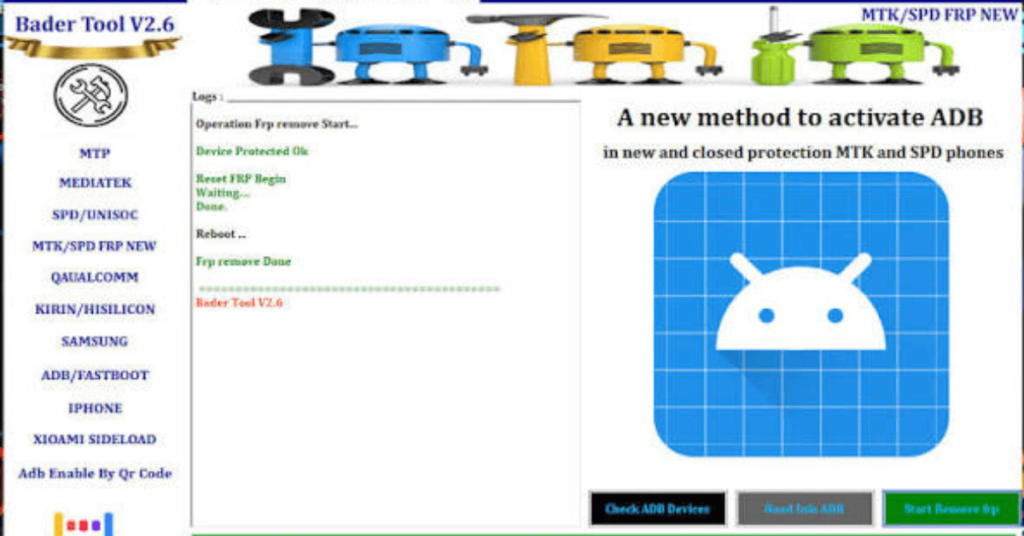
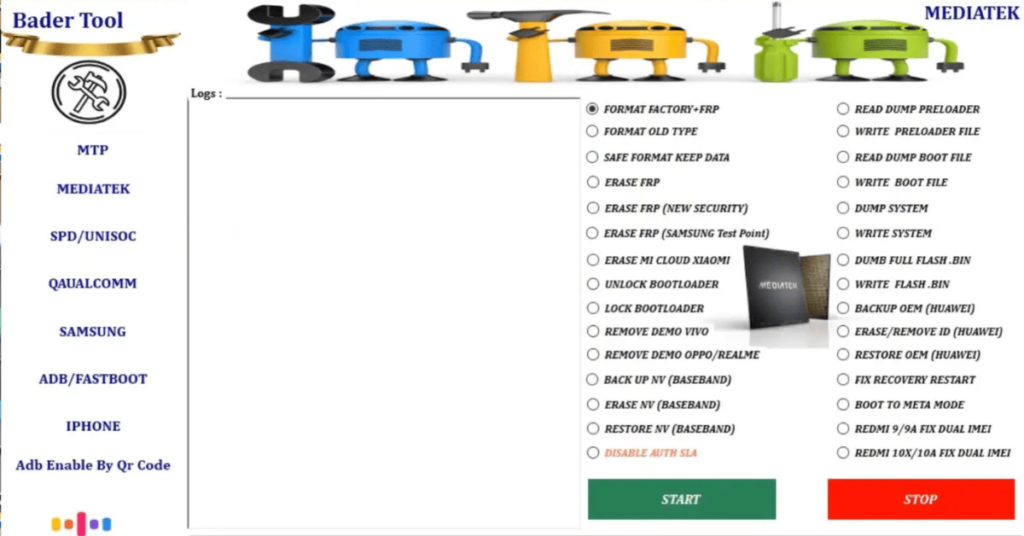
Bader Tool helps to unlock and repair phones! This free download works with MediaTek, Qualcomm, and SPD/UniSoc processors. Features Include FRP Bypass, Data Wipe, Bootloader Unlock, and More For Selected Infinix, Realme, Tecno and Samsung Models.
Features
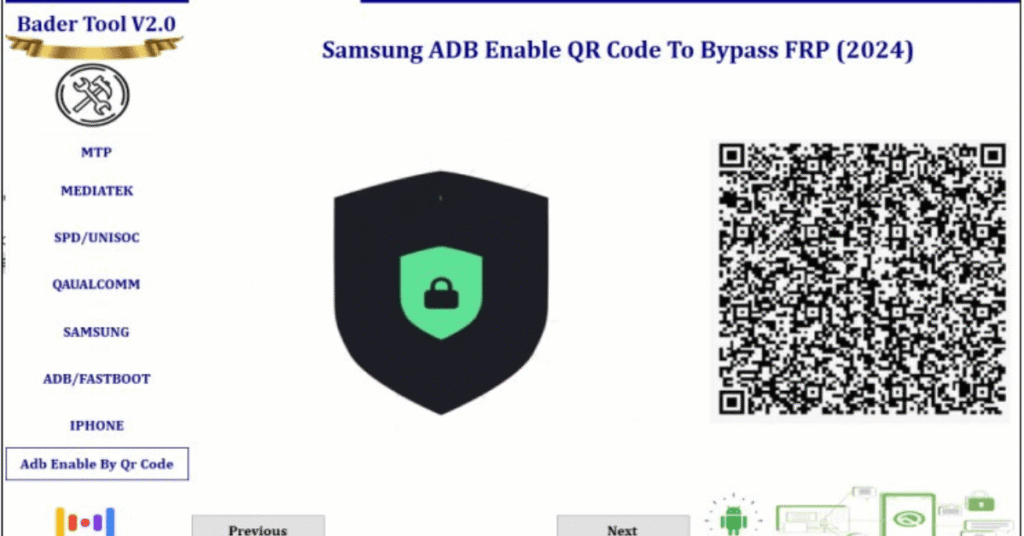
- Bader Tool effectively bypasses FRP locks on Android devices, enabling users to regain access to their phones after a factory reset.
- The tool is compatible with a wide range of Android devices, including Samsung, Xiaomi, Huawei, and OPPO.
- Although the tool is aimed at advanced users, its interface is relatively straightforward, allowing even less experienced individuals to use it with some guidance.
- Apart from FRP bypass, Bader Tool v2.0 crack download can be used for flashing firmware on Android devices, making it versatile for various technical tasks.
- One of the most attractive features of Bader Tool V2.6 password is that it’s completely free to download and use.
Screenshots
System Requirements
| Operating System | Windows 7, Windows 8, Windows 10, or Windows 11 |
|---|---|
| RAM | 2 GB minimum |
| Processor | Intel Core 2 Duo |
| Storage | 500 MB |
| .NET Framework | .NET Framework 4.5 |
| USB Driver | MediaTek (MTK) USB VCOM Drivers |
FAQs
It is a free Windows-based utility software designed to service Android devices. It allows technicians to bypass Google FRP (Factory Reset Protection), remove screen locks (PIN, Pattern, Password), wipe user data, unlock/relock bootloaders, and fix software bricking issues across MediaTek (MTK), Qualcomm, Spreadtrum (SPD/Unisoc), and Samsung chipsets.
As of recent updates, the tool progressed from v2.2 up to its latest stable release, v2.6. Distribution packages via file-sharing sites typically use the zip archive extract password 2025.
The tool targets the phone's underlying CPU processor rather than the exterior brand logo. If an Oppo, Vivo, Realme, Xiaomi, Infinix, Tecno, or Samsung device runs on a supported MediaTek, Qualcomm, or Unisoc chipset, the tool can interface with it.
Yes, the newer updates support automated methods to bypass FRP and Auth verification layers on devices running Android 12, 13, and 14.
Ensure you installed the respective MTK VCOM, Qualcomm 9008, or Samsung USB drivers corresponding to your hardware.