
ASBUN Tool Download – Latest Version for Android

| File Name | ASBUN Tool |
|---|---|
| Size | 20 MB |
| Version | v3.8 |
| Support Device | Oppo, Realme, Vivo, Xiaomi / Mi, Infinix, Tecno, Huawei |
Overview of ASBUN Tool Download
ASBUN Tool 3.8 | New Auth Bypass Tool (No Need for SP Flash Tool or Address Find Tool) is a Windows computer application that enables flashing and unlocking all MTK CPU phones, such as OPPO, Realme, and Xiaomi. This tool does not require the SP Flash Tool or a format address.
Screenshots
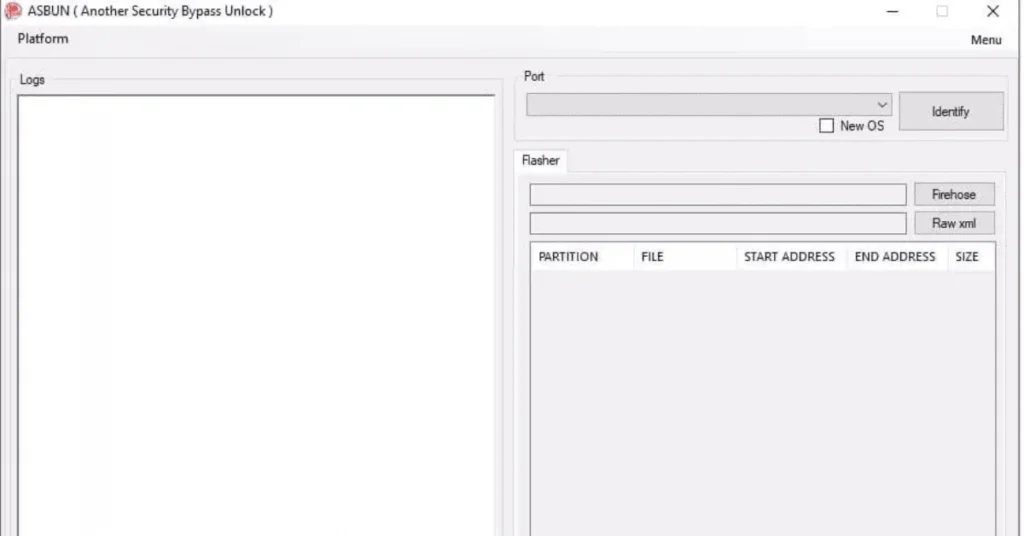
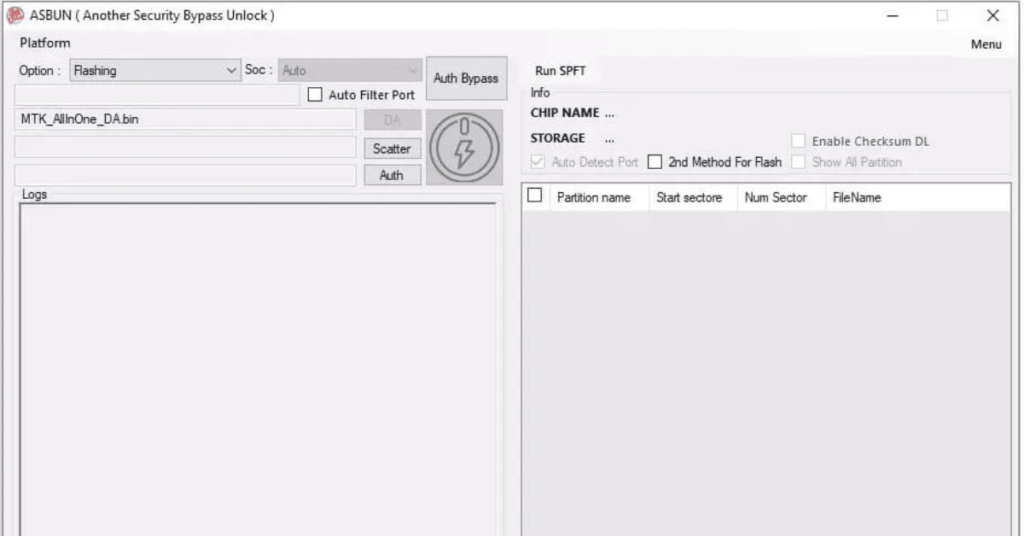
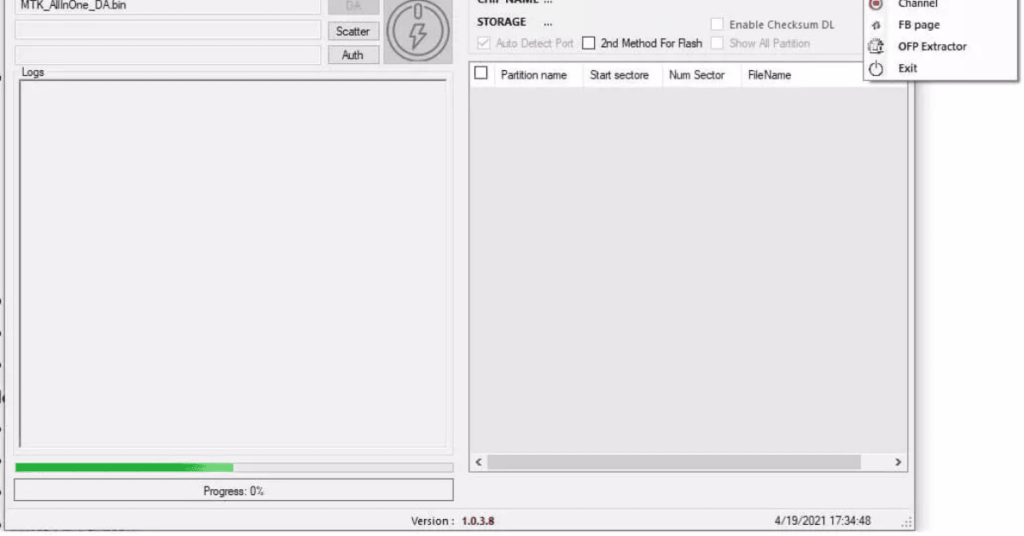
System Requirements
| Operating System | Windows 7, Windows 8, or Windows 10 (32-bit or 64-bit) |
|---|---|
| RAM | 2 GB |
| Processor | Intel Core 2 Duo / AMD Athlon or higher |
| Storage | 500 MB |
| .NET Framework | .NET Framework 4.5 |
| USB Driver | MTK USB VCOM Drivers or the MTK Driver Auto Installer |
FAQs
It is a specialized software program for computers. It helps fix software and security locks on mobile phones.
It works mainly on MediaTek (MTK) and other select Android chips. Supported brands include Oppo, Realme, Vivo, Xiaomi, Infinix, and Tecno.
Version 3.8 Beta is one of the final widely shared versions, adding support for newer Tecno, Infinix, and Vivo models.
Yes, older versions like v3.7 and v3.8 have been shared in technician communities as free utility files.
Many antivirus programs flag free unlock tools as riskware or trojans because of how they bypass system security.