
Qualcomm Only Tool – Download & Latest Version

| File Name | Qualcomm Only Tool |
|---|---|
| Size | 30 MB |
| Version | v2.0 |
| Support Device | any smartphone, tablet, or IoT hardware powered by a Qualcomm Snapdragon or MSM/APQ chipset |
Overview of Qualcomm Only Tool Download
The Qualcomm Flash Image Loader, or Qualcomm Only Tool v2.0, is a Windows-based program that flashes or installs recovery images or stock firmware on Qualcomm-powered devices. Numerous Qualcomm products, including modems, tablets, and smartphones, are supported.
Features
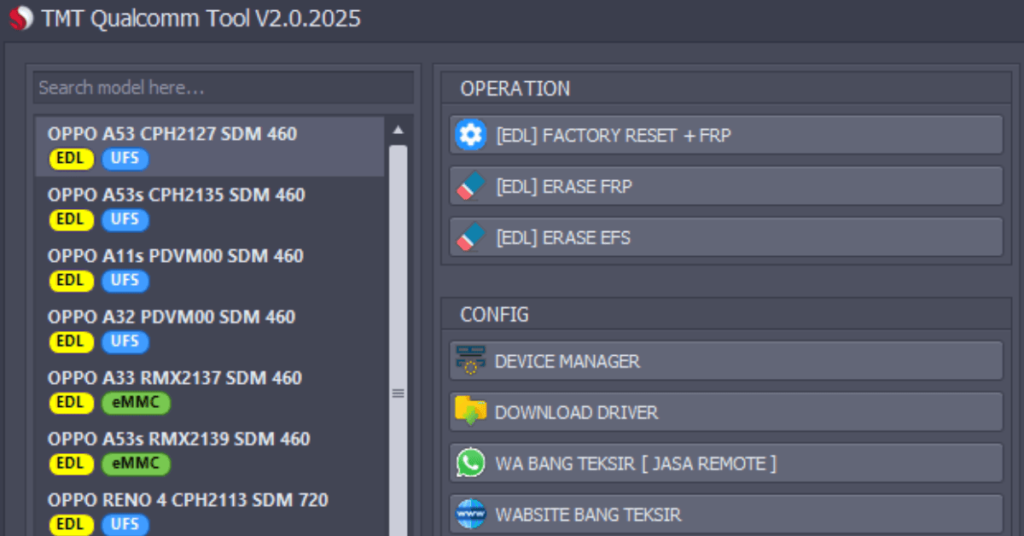
- Installs stock firmware packages, raw program files, and patch files directly onto device chipsets using low-level protocols.
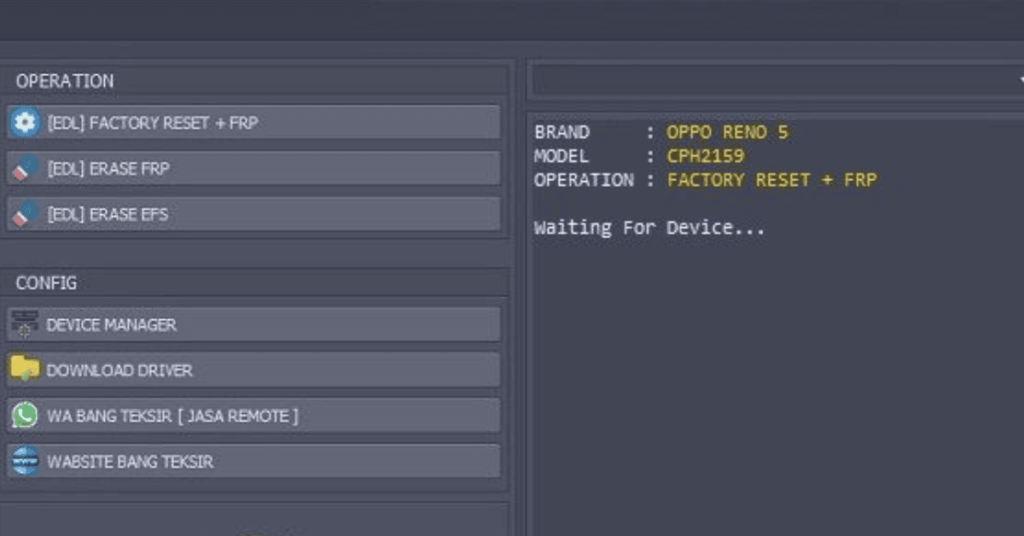
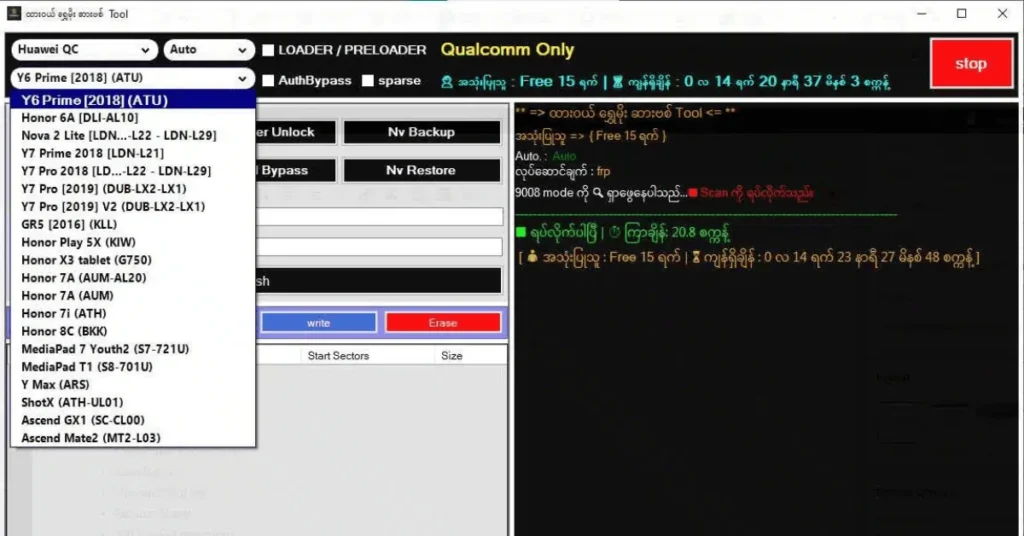
- Communicates with devices running in Emergency Download (EDL 9008) mode to unbrick devices or restore completely unresponsive hardware.
- Saves and restores Non-Volatile (NV) memory contents, configuration parameters, and calibration data via .qcn files.
- Detects connected hardware, displays active serial COM ports, and monitors port status for connected mobile devices.
Screenshots
System Requirements
| Operating System | Windows 10 or Windows 11 |
|---|---|
| RAM | Minimum 4GB |
| Processor | Intel or AMD CPU (Dual-core 2.0 GHz or faster). |
| Storage | Minimum 1GB |
| .NET Framework | .NET Framework 4.0 |
| USB Driver | HS-USB QDLoader 9008 ports |
FAQs
What devices does it support?
It works with Qualcomm Snapdragon-powered phones from brands like Xiaomi, Huawei, Oppo, Realme, OnePlus, and Vivo.
What are its main features?
It lets users bypass FRP locks, flash stock firmware, unlock bootloaders, and back up NVRAM data.
Do I need special drivers?
Yes, your computer needs proper Qualcomm HS-USB QDLoader 9008 drivers installed to detect the phone in EDL (Emergency Download) mode.
Is it an official Qualcomm software?
No, it is an unofficial utility created by independent developers, unlike official enterprise suites like the Qualcomm Support Portal.