
GSM RK Tool – Download Latest Version for Windows
| File Name | GSM RK Tool |
|---|---|
| Size | 10.5 MB |
| Version | v2.0 |
| Support Device | Android devices, Samsung, Xiaomi |
Overview of GSM RK Tool Download
How to Install GSM RK Tool V2.0 2026 on All Android Mobile Phones and Android Devices 16/15/14/13/12/10/11/10. The most recent version uses ADB mode to remove FRP in six different ways, supports admin removal, and unlocks the SIM.
Features
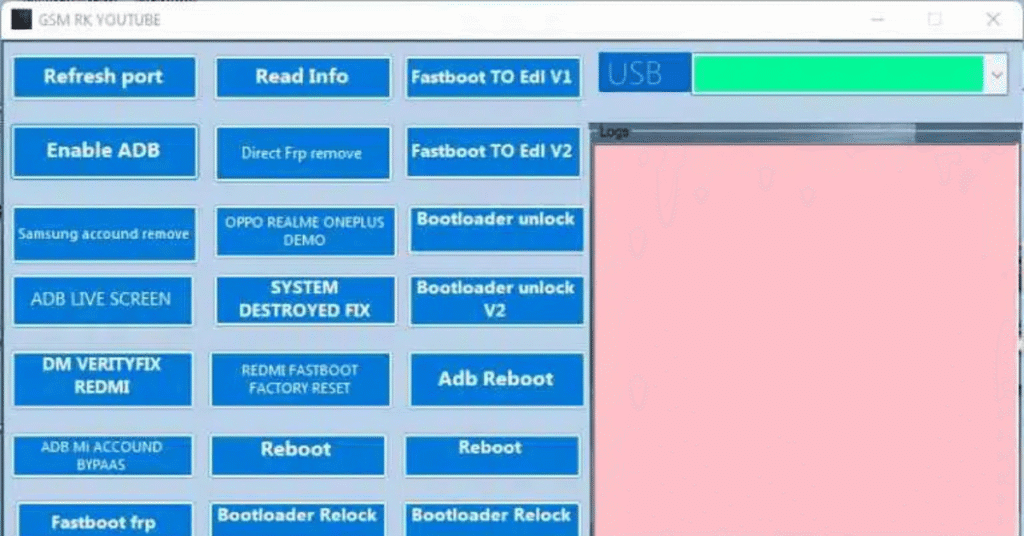
- Refresh port
- Read Info
- Fastboot TO Edl V1
- Enable ADB
- Direct Frp remove
- Fastboot TO Edl V2
- Log Dev
- Samsung accound remove
- OPPO REALME ONEPLUS DEMO
- Bootloader unlock
- ADB LIVE SCREEN
- SYSTEM DESTROYED FIX
- Bootloader unlock V2
- DM VERITYFIX REDMI
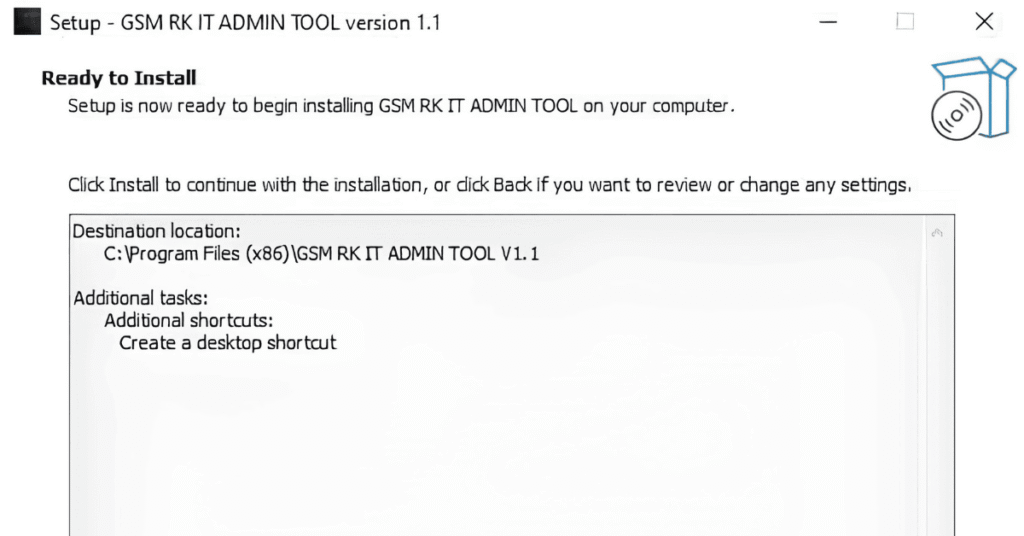
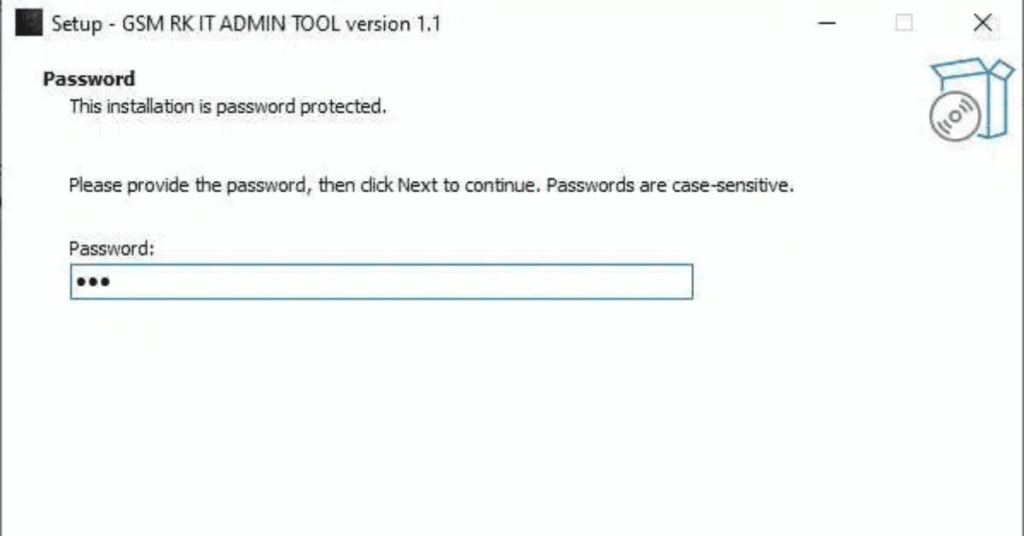
Screenshots
System Requirements
| Operating System | Windows 10 or Windows 11 |
|---|---|
| RAM | 2 GB of RAM |
| Processor | Intel or AMD processor |
| Storage | At least 500 MB to 1 GB |
| .NET Framework | .NET Framework 3.5 |
| USB Driver | Appropriate USB and fastboot/adb drivers installed for the target mobile device (such as Samsung, Xiaomi, etc.). |
FAQs
What is GSM RK Tool?
It is a specialized utility software used by mobile technicians to bypass or remove security locks, MDM profiles, and IT admin restrictions on supported smartphones.
Is the tool free?
Availability and pricing depend on the specific version, developer updates, and authorized reseller packages. Check official channels for current licensing details.
Where can I find official updates?
You can check the Gsm RK Official Facebook Page for the latest software announcements and feature drops.