
Android Utility Tool – Download Latest Version

| File Name | Android Utility Tool |
|---|---|
| Size | 315 MB |
| Version | v200 |
| Support Device | Samsung, Xiaomi, Redmi, Poco, Oppo, Vivo, Realme, Huawei, Infinix |
Overview of Android Utility Tool Download
Latest Android Utility Tool V200 Offline Android Utility has been updated. Completely offline; no internet or updates are required to use it. This version has no extra features and no protection system. In the past, many risky functions have been removed or fixed to ensure user safety. Please don’t think this is the last version. If you can, follow updates monthly and always use the latest version for the best results.
Features
- Removes Google Factory Reset Protection locks on Android versions ranging from legacy builds up to Android
- Disables MediaTek’s Secure Boot, Secure Boot ROM (SLA), and Download Agent (DA) authentication, allowing standard tools to flash the device without authorized service accounts.
- Resets PINs, patterns, and passwords on compatible chipsets (often preserving user data on older Android configurations).
- Temporarily or permanently bypasses Xiaomi Cloud/Mi Account locks on MediaTek-powered devices.
Screenshots
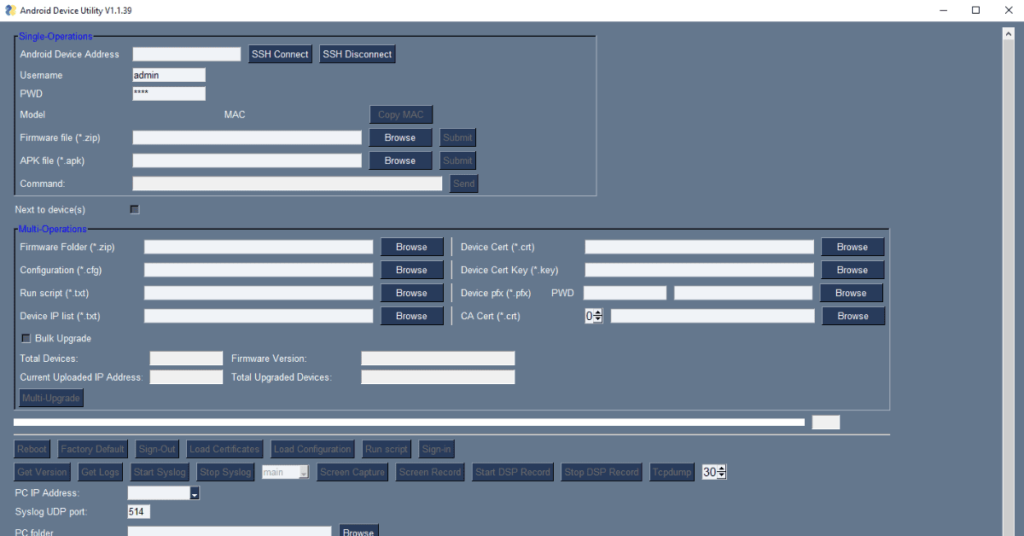
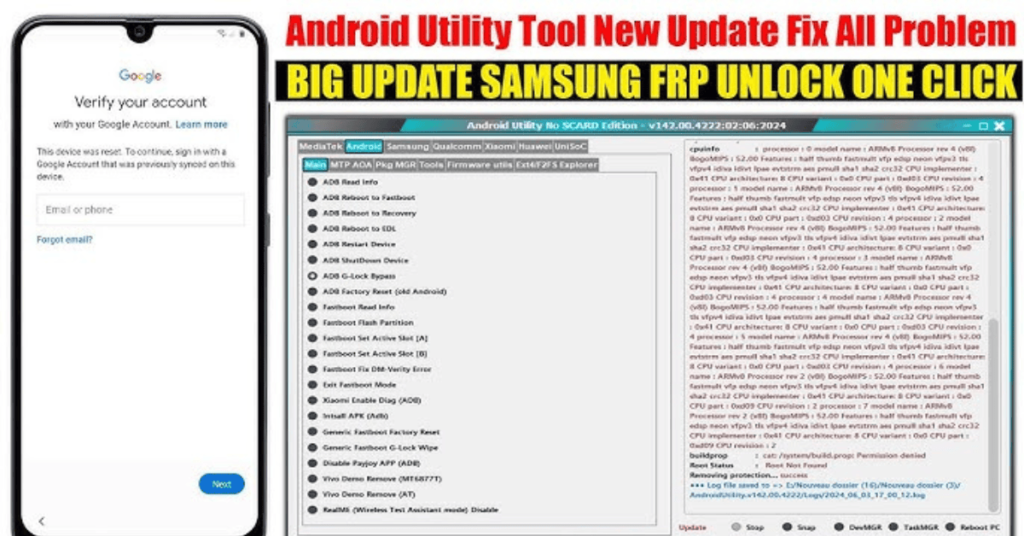
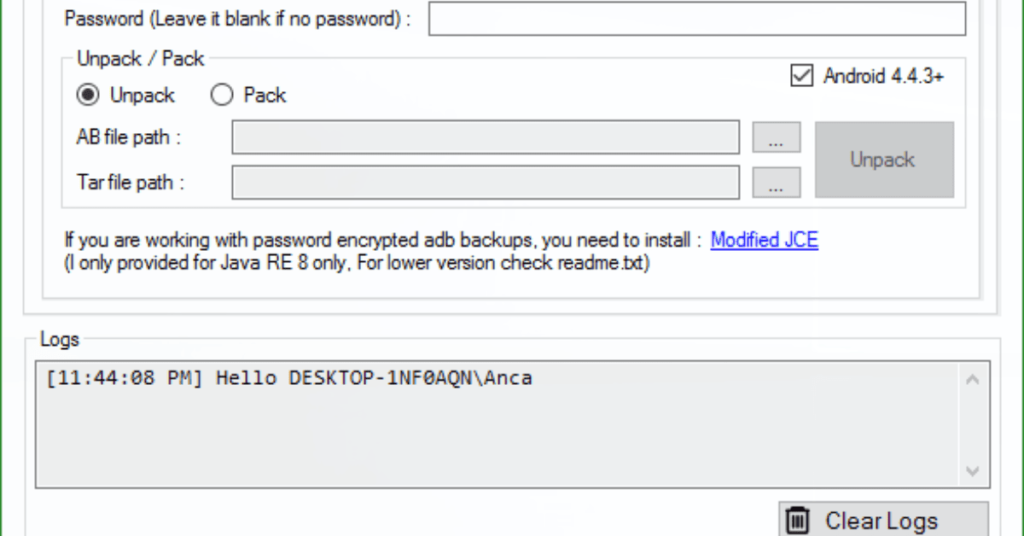
System Requirements
| Operating System | Windows 7, 8, 8.1, 10, or 11 |
|---|---|
| RAM | 2 GB minimum |
| Processor | Intel Core 2 Duo |
| Storage | 5 GB to 10 GB |
| .NET Framework | .NET Framework 4.7.2 |
| USB Driver | Standard USB 2.0 or USB 3.0 |
FAQs
Yes. The software supports Google Factory Reset Protection (FRP) bypass maneuvers across various chipsets, up to and including Android 15 and 16 builds.
Functions like FRP Bypass or Boot Repair generally do not wipe personal files. However, selecting options like Factory Reset, Format Userdata, or Bootloader Unlock will completely erase the device.
If the phone is completely dead but still makes a connection sound when plugged into a PC (e.g., showing up as MTK USB Port or Qualcomm HS-USB QDLoader 9008), the tool can communicate with it to flash stock firmware and revive the device.
Older versions of the tool had a mandatory online check that locked the app when an update was released. To fix this, you must download the fully offline V200 release, which completely removes the lifetime update check.
No. While legacy versions required activation, the current V200 Offline builds run with no smart card required, making the software completely free to use for independent technicians.