
TPS Tool – Download, Features & System Requirements

| File Name | TPS Tool |
|---|---|
| Size | 189.47 MB |
| Version | v3.1 |
| Support Device | Android mobile devices powered by Qualcomm, MediaTek (MTK), Spreadtrum (SPD), and Huawei Kirin/Hisilicon chipsets |
Overview of TPS Tool Download
A Windows-based Android servicing program called TPS Tool v3.1 was created to fix devices. Through ADB, Fastboot, Download Mode, EDL, and other methods, it assists technicians with FRP removal, firmware flashing, screen lock unlocking, IMEI repair, bootloader operations, factory reset, and device maintenance. The tool is a useful option for routine software repair chores because it supports popular Android brands like Samsung, Xiaomi, Redmi, POCO, OPPO, Vivo, Realme, Huawei, Infinix, Tecno, and Nokia.
Features
- The Tool helps technicians to remove FRM from smartphones to make the mobile accessible. It uses both ADB and fastboot mode to repair the device.
- TPS Tool v3.1 helps remove PIN, password, pattern, and screen locks on Android devices. It works with Samsung, Xiaomi, OPPO, Vivo, Realme, Huawei, Infinix, Tecno, Qualcomm, MediaTek (MTK), and Unisoc (SPD) devices through ADB, Fastboot, Download Mode, and EDL.
- The TPS tool comes with a better UI, so the user doesn’t get stuck at any moment during the repair process.
Screenshots
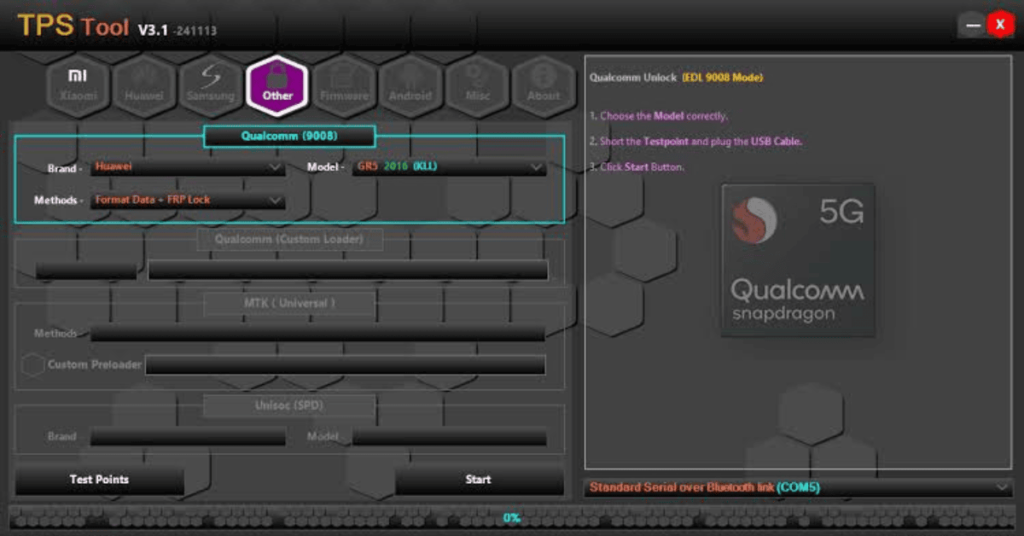
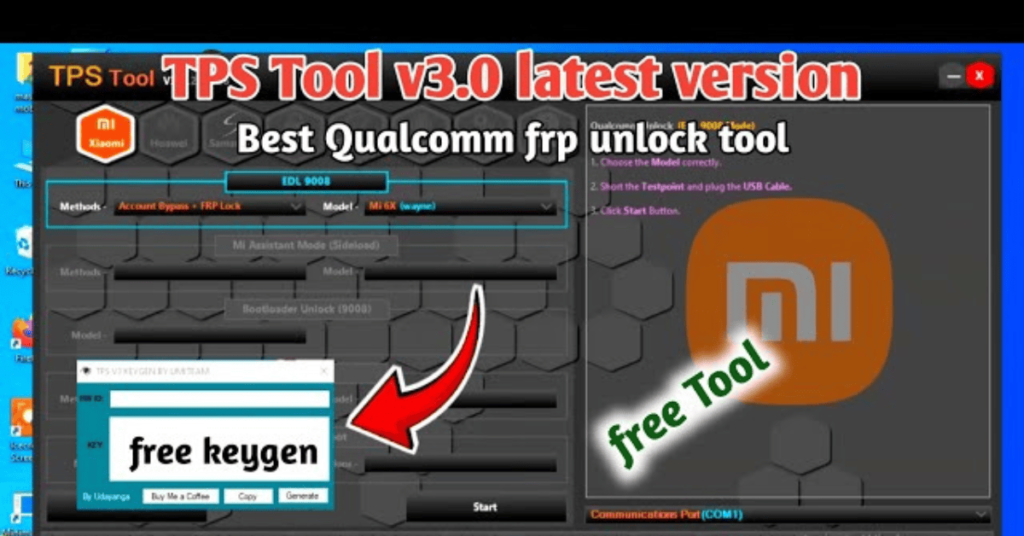
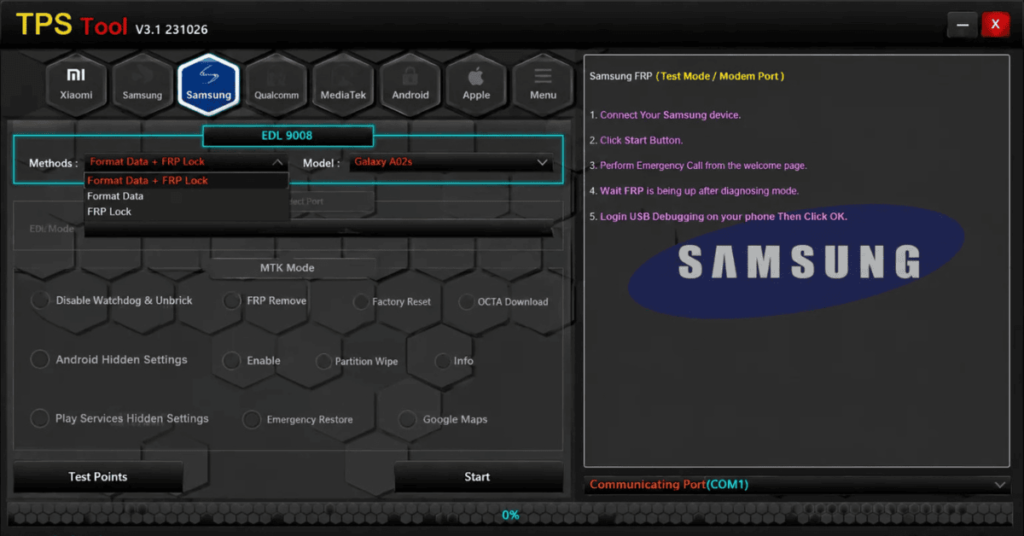
System Requirements
| Operating System | Windows 7, Windows 8, Windows 10, or Windows 11 |
|---|---|
| RAM | 2 GB minimum |
| Processor | 1.6 GHz or faster |
| Storage | 190 MB |
| .NET Framework | .NET Framework 4.5 |
| USB Driver | MediaTek (MTK) USB VCOM Drivers |
FAQs
Some releases are available for free, while others may require activation or registration, depending on the source from which the tool is obtained.
Yes. After installation and setup, many functions can be performed offline, although some features may depend on the selected tool version or service.
According to available documentation, TPS Tool v3.1 supports many devices running Android 11, Android 12, Android 13, Android 14, and Android 15, depending on the model and security patch level.
The tool is generally used by mobile repair technicians. For security, download it only from a trusted source and install the required drivers before performing any servicing operation.