
SK Driver Tool – Download Latest Version for Windows

| File Name | SK Driver Tool |
|---|---|
| Size | 24.7 MB |
| Version | v1 |
| Support Device | Platinum P41, Gold P31, Gold S31 |
Overview of SK Driver Tool Download
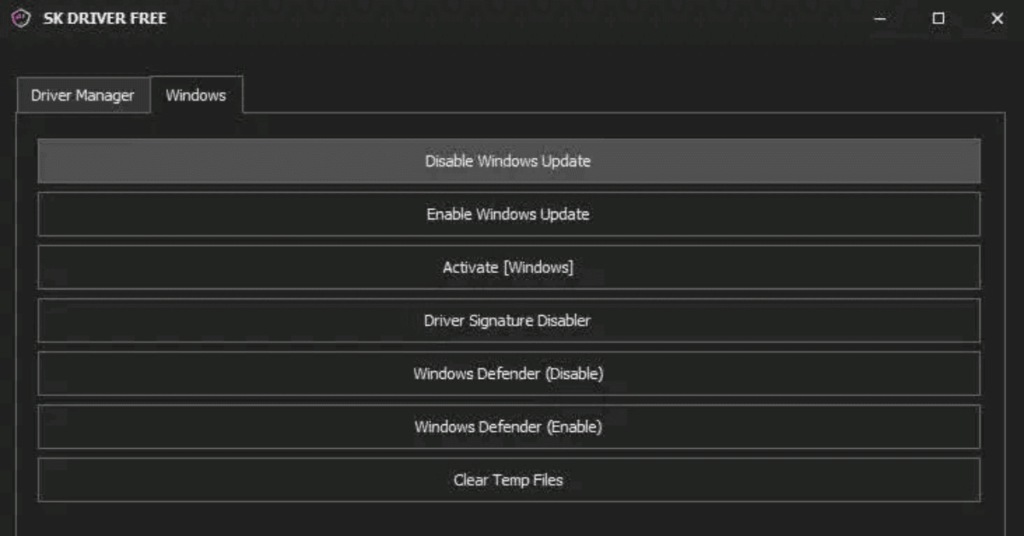
SK Driver Tool is just what you need if your computer won’t read your phone or if you frequently have issues like driver conflicts, USB not recognized, or updates that never install. This compact yet potent application was created to address driver issues on all mobile devices. When attempting to connect their phones, many users encounter difficulties with drivers; typically, the problem is not with the phone per se, but rather with missing or malfunctioning Windows drivers.
Features
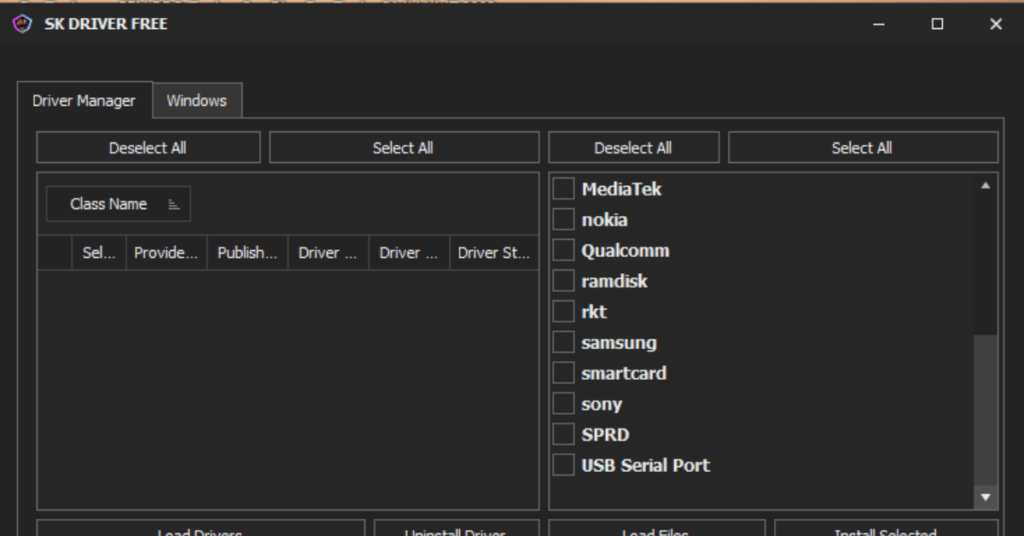
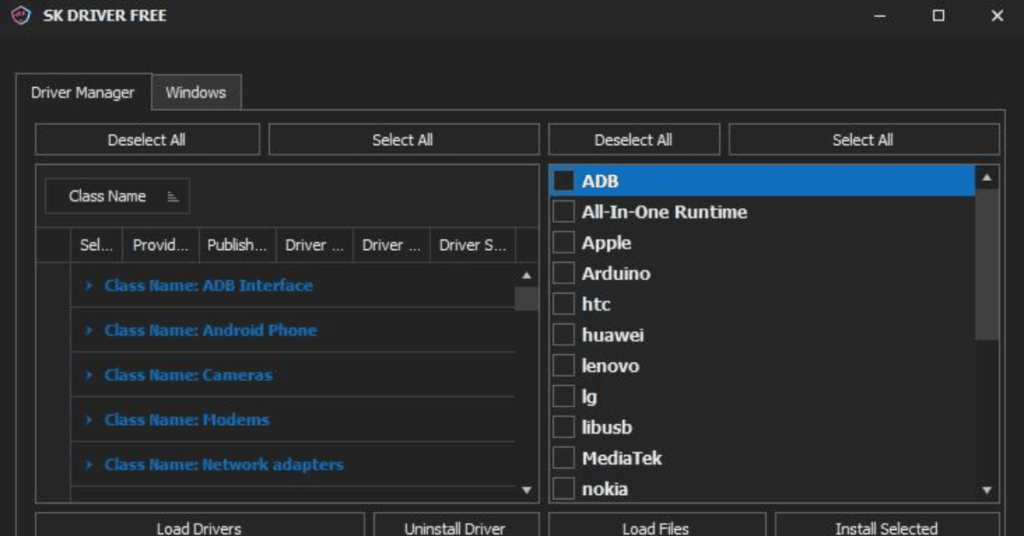
- Installs a comprehensive package of mobile USB drivers for various smartphone brands and processor chipsets (such as MediaTek, Qualcomm, and Spreadtrum/Unisoc) in a single interface.
- Lets users select and install multiple drivers simultaneously, supporting silent installs that run smoothly in the background without constant prompt interruptions.
- Includes a clean uninstallation option to completely wipe old, corrupted, or conflicting mobile drivers from your system partitions to resolve blue screens or connection errors.
Screenshots
System Requirements
| Operating System | Windows 10 (x86/x64), Windows 11 (64-bit) |
|---|---|
| RAM | 2 GB |
| Processor | Intel or AMD x86 / x64 processor |
| Storage | 50 MB |
| .NET Framework | .NET Framework 4.6 |
| USB Driver | Standard Windows USB hub/controller drivers |
FAQs
A1: SK Driver Tool V1 is used to install all necessary USB drivers for mobile devices on Windows with one click, including ADB and OEM drivers for Android and other smartphones.
Yes — it installs, loads, and can remove multiple drivers in one place, saving time and avoiding manual driver searches.
Yes, it’s designed for beginners, but always download from trusted sources and follow safety practices when installing drivers.
Make sure USB debugging or appropriate mode (MTP/Fastboot) is enabled, reinstall drivers, and check Device Manager for driver status.
SK Driver Tool packages drivers for convenience; whenever possible, cross‑check with official OEM driver pages for authenticity.