
Tuna Pro Tool Download – Latest Version for Android

| File Name | Tuna Pro Tool |
|---|---|
| Size | 38.6 MB |
| Version | v3.9 |
| Support Device | Samsung, Xiaomi, Redmi, and POCO, MediaTek (MTK) & Qualcomm |
Overview of Tuna Pro Tool Download
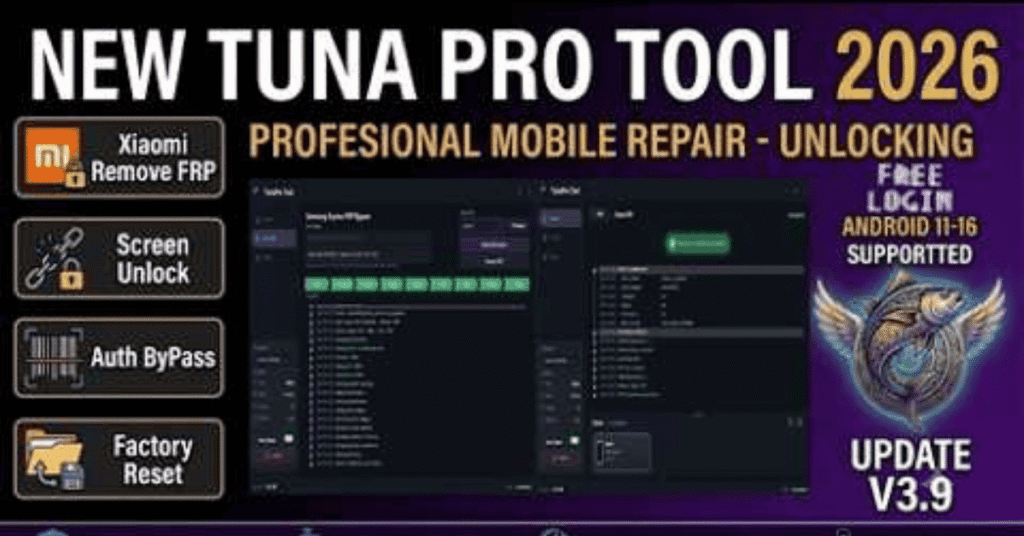
Version 3.9 of Tuna Pro Tool, a high-end mobile unlocker for experts, offers significant improvements to brute-force capabilities with professional-grade software to unlock, bypass FRP, and fix devices compatible with Xiaomi, Redmi, Poco, and Samsung.
Features
- One-click Google account removal for Exynos-powered Galaxy devices supporting Android security versions up to Android 16 (this specific module is free to use).
- Automatically enables ADB (Android Debug Bridge) in download mode on supported Samsung Exynos devices without needing an external helper tool.
- One-click FRP reset and Mi Account bypass for Xiaomi, Redmi, and POCO devices (utilizes online server/cloud credits).
- Removes forgotten patterns, PINs, passwords, and fingerprint security locks on supported Android models.
Screenshots
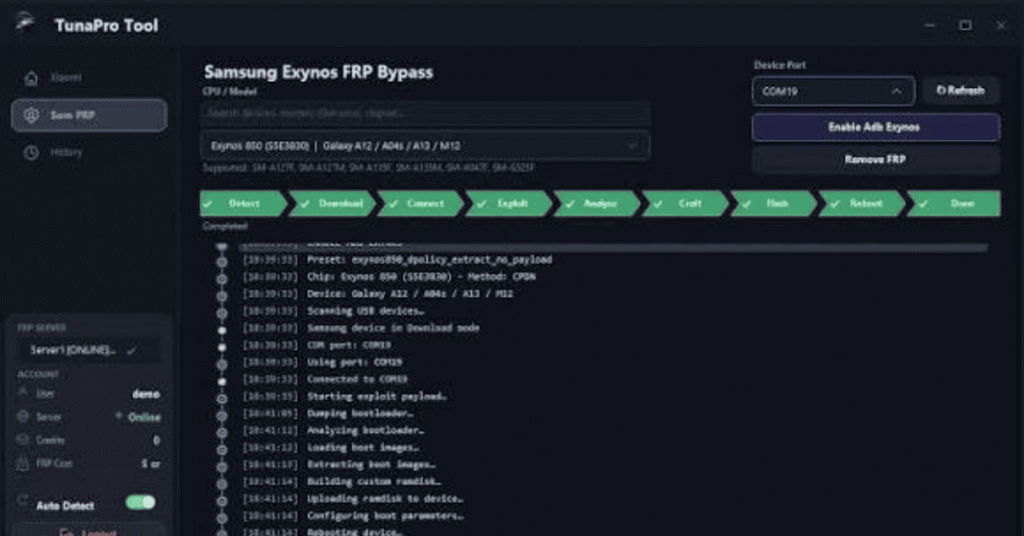
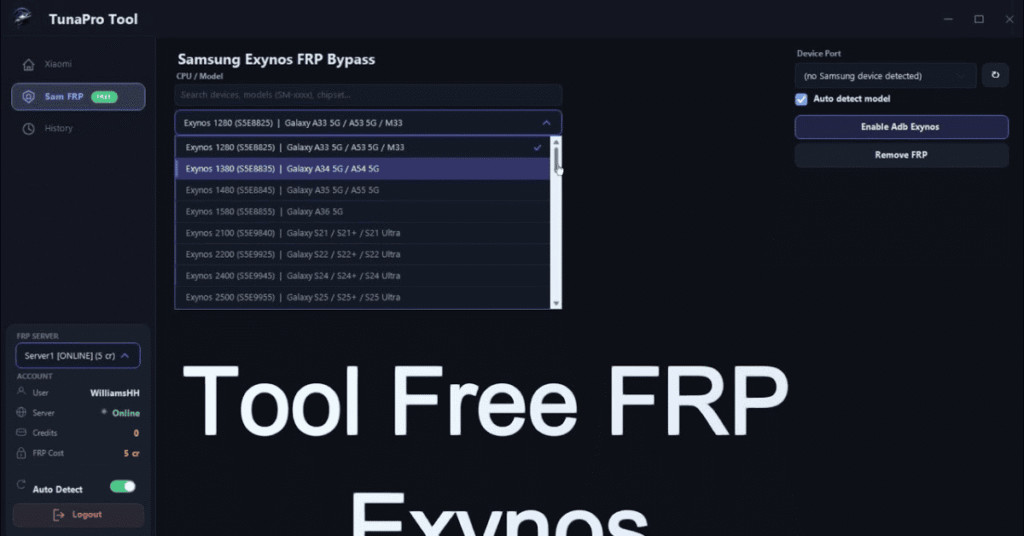
System Requirements
| Operating System | Windows 7, Windows 8, Windows 8.1, Windows 10, or Windows 11 |
|---|---|
| RAM | 2 GB of RAM |
| Processor | Any 1 GHz or faster Intel or AMD processor |
| Storage | 40 MB of free disk space |
| .NET Framework | .NET Framework 4.8 |
| USB Driver | Samsung USB Driver |
FAQs
It is a professional mobile servicing software designed for flashing, removing screen locks, and bypassing FRP or Mi accounts.
It primarily supports Tuna Pro Tool compatible devices, featuring extensive options for Samsung (including Exynos chips) and Xiaomi/Redmi/Poco models.
Some basic functions like certain Samsung FRP bypasses may be free, but advanced features or account-based operations often require purchasing credits or paid activations.
Standout functions include built-in ADB enabling for secure mode bypasses, hard reset routines, and relock fixes