
Best Flash Tool 2026 – Download & Complete Guide

| File Name | Best Flash Tool |
|---|---|
| Size | 30 MB |
| Version | v1.8 |
| Support Device | ediaTek (MTK), Qualcomm, and Spreadtrum/Unisoc (SPD) |
Overview of Best Flash Tool Download
A software program called Best Flash Tool makes it easier to flash firmware on mobile devices, especially Android tablets and smartphones. Through flashing methods, it seeks to give users a dependable and intuitive interface for upgrading, fixing, and restoring their devices. This evaluation looks at Best Flash Tool’s main features, compatibility, user interface, performance, and general usefulness from a technical standpoint.
Features
- Flash firmware (MTK, Qualcomm, Samsung, Unisoc supported)
- Screen lock & FRP removal (ADB, Meta, Diag methods)
- Bootloader unlock/relock (temporary & permanent)
- IMEI repair (MTK, Qualcomm, Vivo, Oppo, Xiaomi supported)
- Factory reset & safe format options
- Mi Account, Huawei ID & Realme/Infinix/Tecno MDM reset
- RPMB backup, restore & repair functions
- Support for 250+ new Android models (latest update)
Screenshots
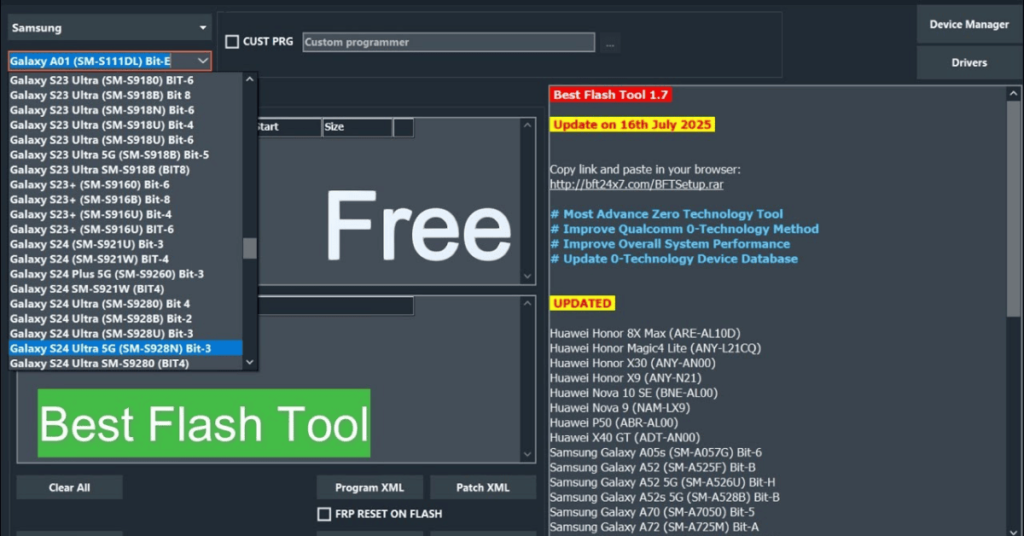
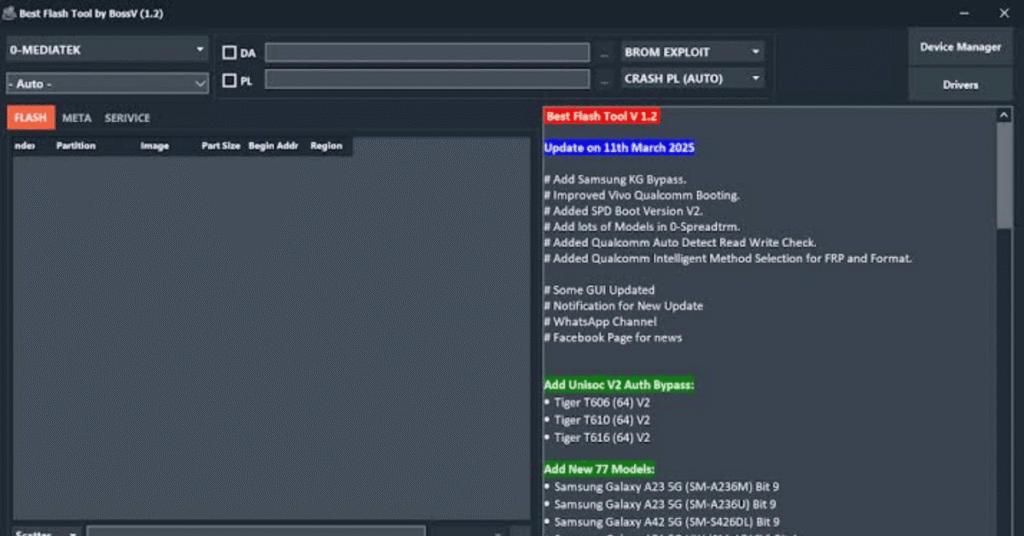
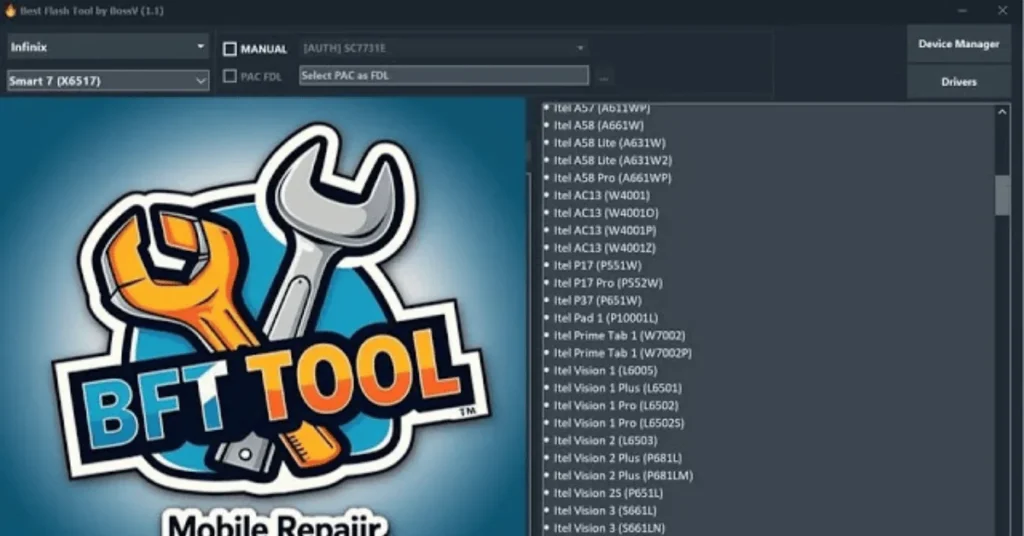
System Requirements
| Operating System | Windows 7, 8, 10, or 11 |
|---|---|
| RAM | Intel/AMD Dual Core |
| Processor | 4 GB |
| Storage | 500 MB free space |
| .NET Framework | .NET Framework 4.5 |
| USB Driver | Android USB & MTK/Qualcomm drivers installed |
FAQs
The Best Flash Tool by BossV is a software utility designed for flashing firmware onto mobile devices and other electronic gadgets, ensuring proper updates and repairs.
BossV Flash Tool generally supports a wide range of Android devices, including various smartphones and tablets from different manufacturers. Specific compatibility depends on the device model.
Yes, BFT Best Flash Tool is 100% free to use with no activation required.
It supports Oppo, Vivo, Xiaomi, Infinix, Tecno, Realme, Samsung, Huawei, Motorola, Nokia, and many other Android models.
Yes, it is safe if used properly. Always download from trusted sources and disable antivirus software to avoid false detection.