
Hi Tool Download – Latest Version for Android & PC

| File Name | Hi Tool |
|---|---|
| Size | 181 MB |
| Version | v1.2 |
| Support Device | network cameras, video recorders (NVRs/DVRs), Highwatch models, and compatible peripheral equipment. |
Overview of Hi Tool Download
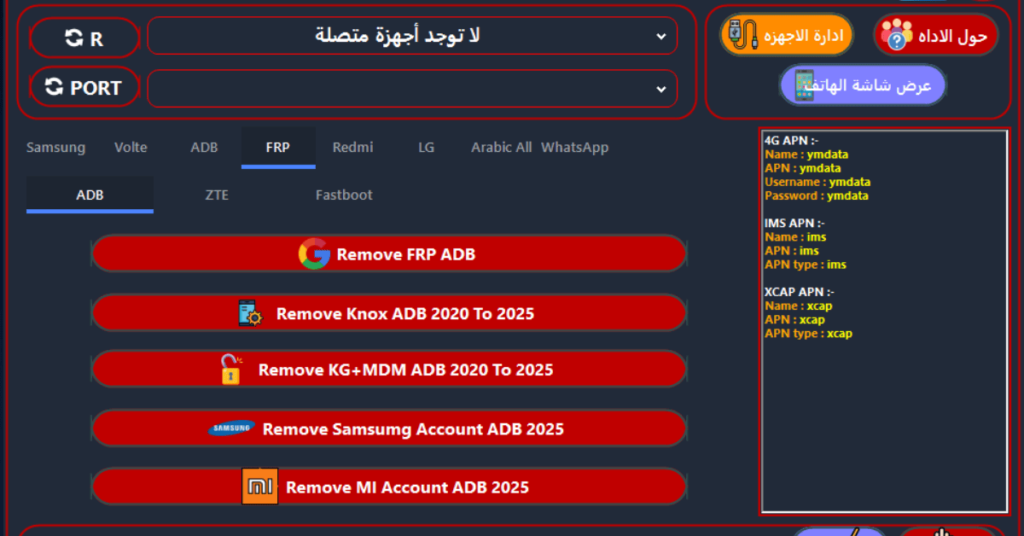
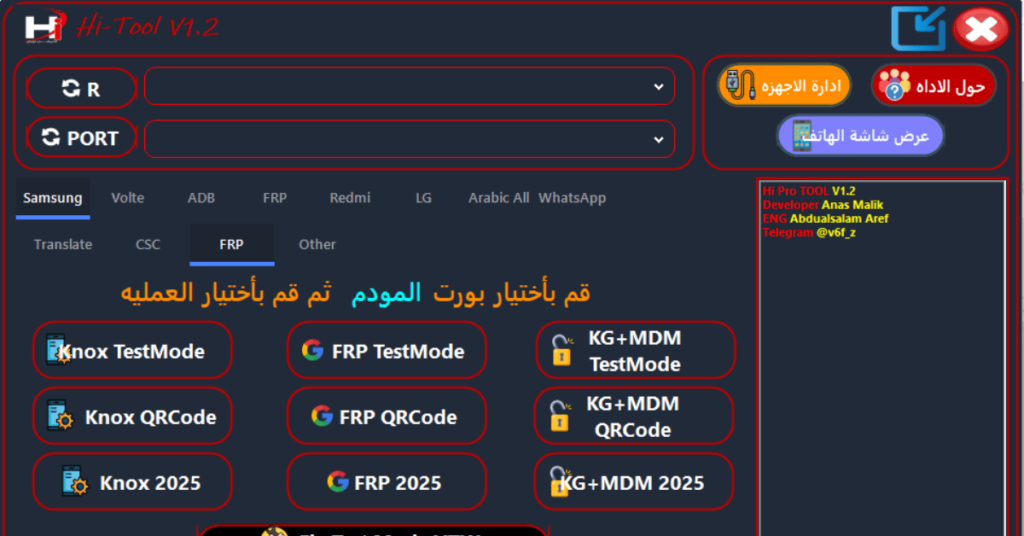
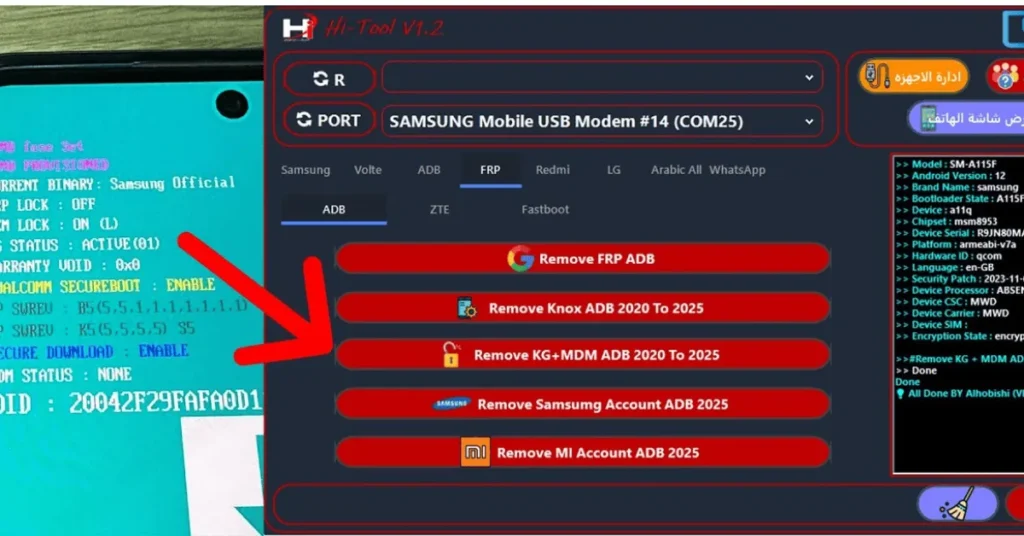
You must first download and install Hi Tool V1.2 on your computer to circumvent FRP. Following installation, you should use a USB cable to connect your Android device to your PC and start it in test mode. The FRP lock on your device can then be unlocked by choosing the “FRP Reset” option in Hi-Tool V1.2. Please be aware that this procedure may change based on the model of the Android device and the particular version of the tool you are using.
Features
- Integrates the SADP module to automatically find online devices on the same subnet.
- Enables batch activation of unactivated devices and network parameter configuration (DHCP or static IP).
- Allows manual or bulk addition of devices (via IP segments, CSV, or Excel).
- Supports batch firmware upgrades, time synchronization, device reboots, and password resets.
- Provides direct access to a device's web interface or live view without needing extra browser plugins.
Screenshots
System Requirements
| Operating System | Windows 7, Windows 8, Windows 8.1, Windows 10, or Windows 11 |
|---|---|
| RAM | Minimum 4 GB |
| Processor | Intel Core i3 |
| Storage | At least 500 MB |
| .NET Framework | .NET Framework 4.0 |
| USB Driver | CH340/CH341, PL2303 |
FAQs
It is either an online utility suite for content management or Hikvision's software for device deployment and batch configuration.
Most basic conversion and utility features are free to use without an account.
Hikvision HiTools software supports Windows 7 and above.
No. The official desktop client from the Hikvision Support Portal requires Windows 7 or higher, or Windows Server 2012 R2 and above. Mac environments require a virtual machine or Dual Boot (Boot Camp) configuration.
Indirectly. HiTool is used to flash the foundational OS and filesystem. For live camera sensor and ISP (Image Signal Processor) register adjustments, you should instead load the companion software component, SSCamIQTool, while keeping the target device connected via IP.